10 Best No Code Web Scraper Tools: Pros and Cons

Web scraping stopped being a scripting chore. Market.us valued the global web scraping software market at USD 754.17 million in 2024 in its web scraping market report. Buying a tool is the easy part. The difficult part is getting a file you can mail from.
On average, about 10% of scraped Instagram users have a public email address, and the rate swings hard by niche. A 10,000-profile job can come back strong or nearly empty depending on who the audience is and how the extraction is built.
Output quality rests on three things a landing page never shows: how the tool defines a record, what it does when a target page changes shape, and what it charges once the demo ends. The ten tools below are grouped by the work each one fits: one-off pulls, recurring monitoring, multi-step browser flows, and Instagram audience lists. Each is judged on the setup it demands, where it breaks, and the cost of running it into a second month, including the usage-based credits that turn a cheap trial into a real monthly bill.
The first entry is our own product, and it is held to the same criteria as the other nine.
Table of Contents
- How a job runs - Where it breaks
- How to judge it before you buy
- How the ten no-code scrapers compare on free access and pricing model
- Picking the Right No-Code Scraper for the Job
1. HarvestMyData
Best for: Instagram audience lists where the deliverable is public email and phone fields, not just usernames.
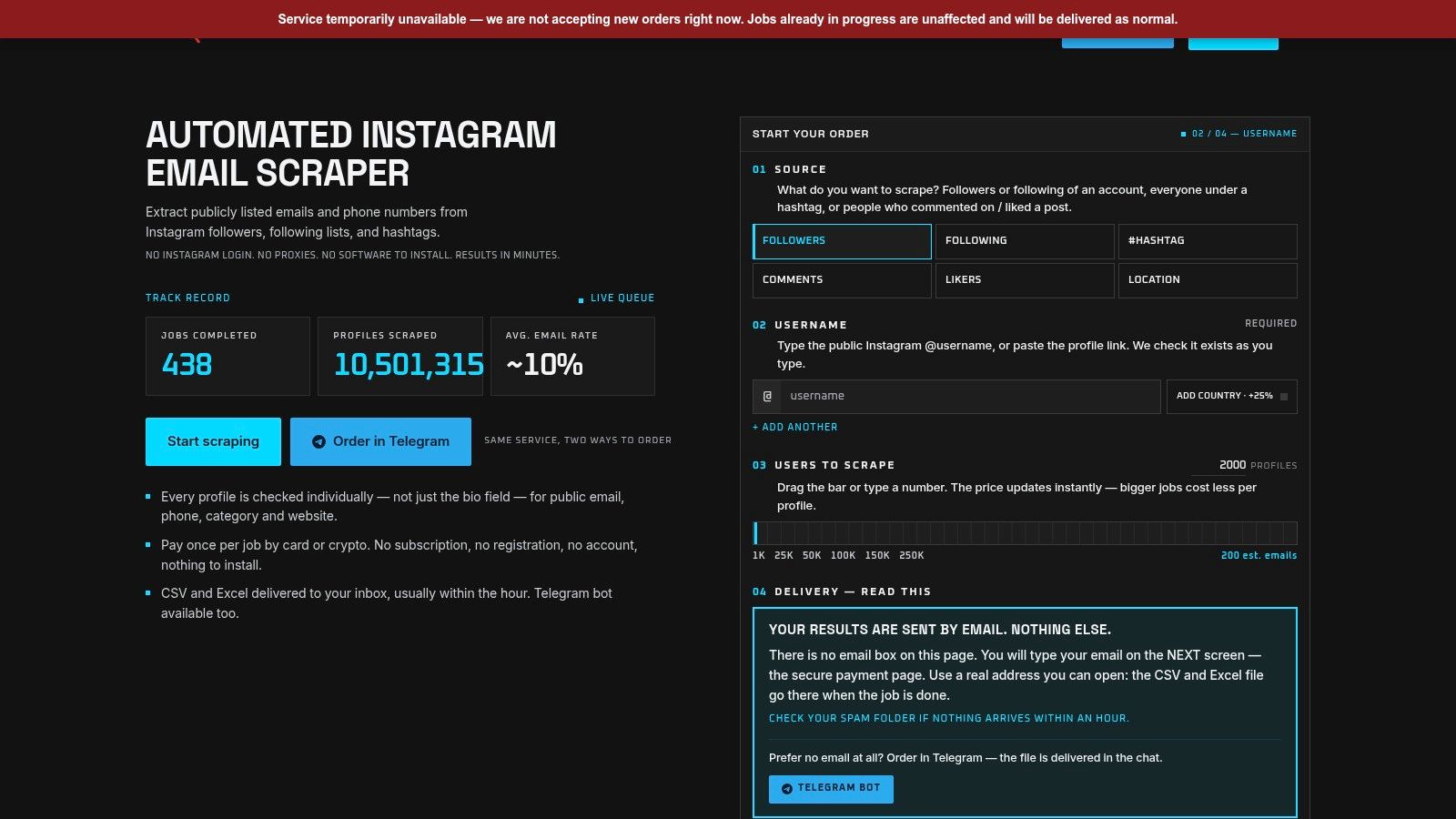
This is our product, so weigh the disclosure. It leads this list because it does one job the other nine don't: turning a public Instagram audience into a contact file without the buyer touching an Instagram login, a proxy pool, or an API key.
How a job runs
You paste a public username or hashtag, pick the audience (followers, following, hashtag posts, commenters, or likers), and choose a size between 1,000 and 250,000 profiles. Pricing updates as you move the slider, and larger jobs cost less per profile. Follower and following runs start at $3 for 1,000 profiles and reach $99 for 250,000; hashtag jobs run at a fixed $5 for 2,000 posts. Card and crypto both work, orders can go through the HarvestMyData Telegram bot as well as the web form, and a free trial of up to 1,000 accounts is available on request.
Processing runs at roughly two minutes per 1,000 profiles, so most jobs finish inside an hour. The file arrives as UTF-8 CSV or Excel by email or in the Telegram chat, and you can close the browser while it runs. A live status page fills in as profiles are processed, showing users fetched, emails found, and percent complete.
The extraction checks each profile individually instead of only parsing bio text, so it catches contacts that bio-only tools miss. Columns cover username, name, bio, follower count, category, website, and any publicly listed email or phone, plus an optional country enrichment add-on for profiles that have an email.
On price, one BlackHatWorld user, IbStar, vouched after comparing it to the only other option he found, an Apify scraper he called "much more expensive" while doing the same thing.
Where it breaks
Two limits matter. Contacts exist only where people publish them, and business and creator accounts list an email far more often than personal ones. Following lists almost always produce better email rates than followers, because who an account follows skews toward vendors, peers, and commercial profiles.
Practical rule: pilot the exact audience you plan to mail at 1,000 profiles before committing to a 100,000-profile run. Audience mix moves yield more than any tool setting.
The second limit is legal. Public visibility changes the access-control picture, but it doesn't create consent. The European Data Protection Board's guidance on web scraping states that the GDPR applies when scraping involves personal-data processing, including collection, storage, organization, or retrieval, and usernames, bios, and email addresses on public profiles identify people. Platform contracts are a separate matter, as Browserless's breakdown of Instagram scraping rules explains. No-login operation removes your account risk; it doesn't move your lawful basis for outreach. The terms put the duties on you: lawful use only, CAN-SPAM and GDPR compliance, no harassment or stalking, no reselling raw data, and opt-out requests honored.
Pros
- No account risk: no customer Instagram login, proxies, API keys, or software to install.
- Per-profile contact checks: finds publicly listed emails and phones beyond bio text.
- Pay per job: no subscription, published tier pricing, free trial on request.
- Visibility: live status page plus optional notifications during the run.
Cons
- Yield ceiling: public contacts only, and consumer audiences can come back nearly empty.
- Data as is: the terms offer no warranties and no liability for what the file does downstream.
- Your compliance problem: the clean file arrives; the lawful basis doesn't come with it.
2. Browse AI
Say you need the same competitor pricing page checked every Monday. Browse AI is built for that rhythm: record the clicks once, and the recorded robot runs on a schedule and flags what changed.
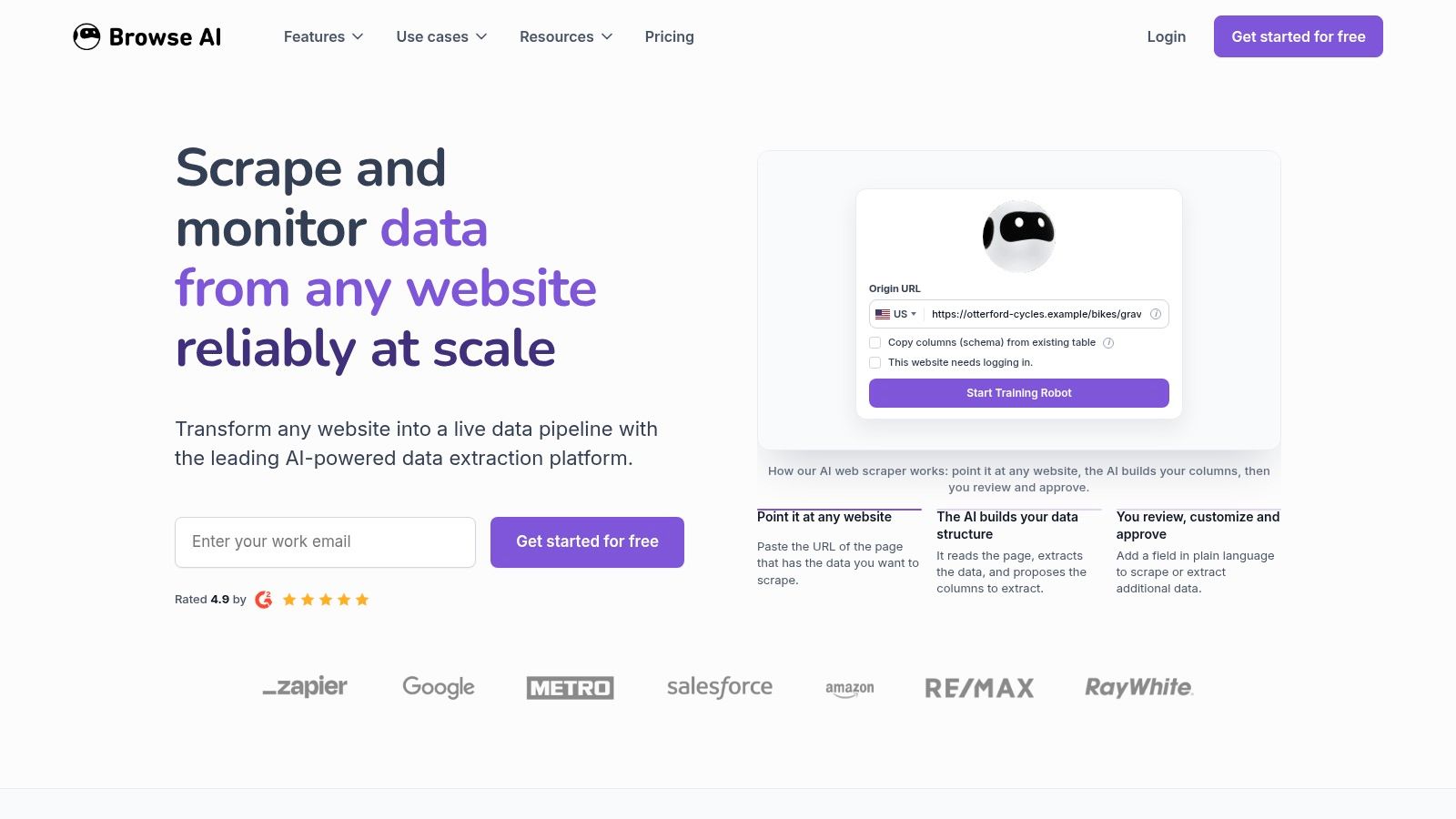
You can record a robot yourself or start from a prebuilt one. Robots extract lists and can follow links into detail pages, so a category page plus 200 product pages is one job rather than 201. Scheduling, bulk runs, change monitoring, an API, and webhooks are all included at platform level, alongside Google Sheets, Airtable, Zapier, and Make integrations. Residential proxies and CAPTCHA handling are sold as platform features, which matters when a target site treats automation as hostile.
Pricing starts with a free plan carrying 50 monthly credits, and the Personal tier is listed from $19 per month billed annually on the Browse AI site.
Where the money goes
Credit consumption is the trap. Rows, pages, screenshots, and site type all affect the count, so a robot that captures a screenshot per record can burn a month of credits in an afternoon. Forecast the cost per run before you schedule anything.
Cost check: price one full recurring run at your real job size, not the demo size, and multiply by four before you pick a tier.
Robots also need retraining after layout changes. Recorder-based tools are fast to build and not self-healing, so budget an hour a month for maintenance on live jobs.
Pros: free plan for testing, reusable robots, extraction combined with change monitoring, wide integration coverage.
Cons: credit math is hard to predict, recurring runs need a paid subscription, and a redesign can break a robot until someone checks the output.
3. Octoparse
Octoparse is the no-code web scraper I'd hand to someone who wants to see the machine work. You click through a page inside the app, mark fields, set the pagination pattern, and run the job locally before renting any cloud time.
The free local plan is enough for a genuine trial rather than a slideshow. Paid plans add cloud extraction, scheduling, and concurrent runs, and exports cover CSV, Excel, and JSON. Templates exist for common targets and save real setup time when your source is one of them. For a one-off pull on a well-behaved site, this is one of the faster builds on the list.
How to judge it before you buy
A 2026 no-code scraper benchmark from Datablist scored eight tools, Octoparse included, on a fixed method covering nine criteria: target selection, pagination and infinite scroll, JavaScript rendering, field extraction, duplicate suppression, export integrity, run reliability, monitoring, and recovery from layout changes. That framework is worth copying into your own trial. Run one job per page type and count records requested against records delivered.
What breaks is rarely the clicking. Cloud execution and scheduling sit behind the paid wall, and proxies, CAPTCHA solving, and some templates carry usage charges on top. Local runs also tie up your machine, so recurring monitoring pushes you toward a subscription whether you planned on one or not. Sites that change often or gate content aggressively turn a 20-minute build into an afternoon of experimentation.
Pros: a free tier built for real testing, a clear path from local runs to scheduled cloud jobs, templates for popular sources, spreadsheet and database exports.
Cons: the useful parts are paid, extras stack up, and fiddly sites cost time rather than money.
4. ParseHub
Most list extraction is a solved problem. ParseHub earns its place on the jobs that aren't: pages that need a dropdown opened, a form submitted, a tab clicked, or an infinite scroll pushed to the bottom before any data renders.
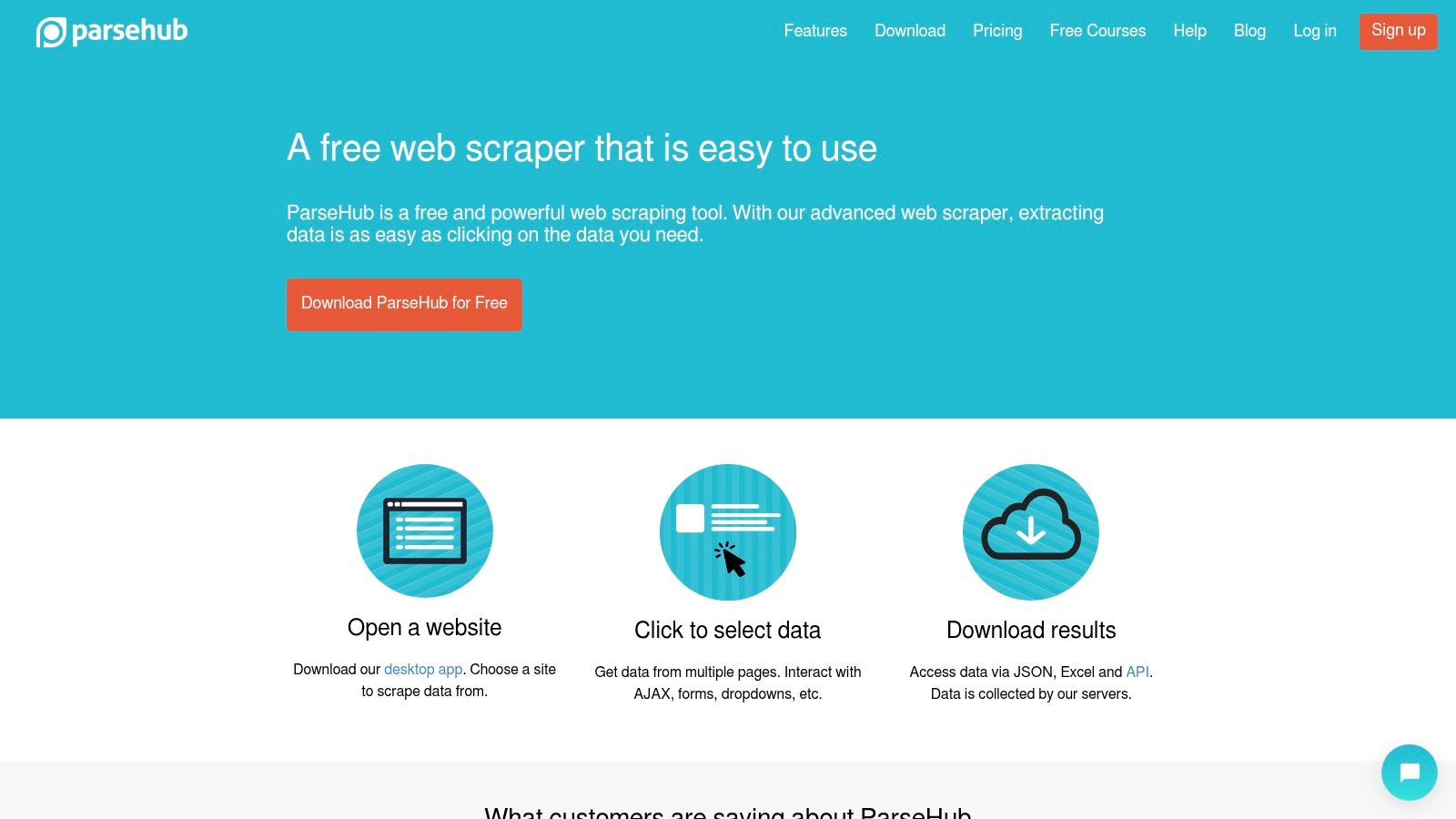
It's a desktop application, and you build a project by selecting elements and recording interactions rather than writing selectors by hand. JavaScript-heavy pages are handled properly because the interactions run in the tool's own browser. The free plan needs no credit card, though free runs are capped in size and speed; paid tiers on the ParseHub site add scheduling, IP rotation, and higher processing limits.
Setup is the honest cost
Custom extraction means custom work. A basic article list takes minutes; a workflow with conditional clicks and form inputs takes an afternoon of trial and error the first time. That trade is fine when the data matters and wrong when you just need 500 rows once.
Cybernews's comparison of AI scraping tools recommends scoring tools on success rate, latency, output quality, cost per successful result, and debugging experience instead of raw record counts. ParseHub scores well on debugging, because you can step through the interaction and watch each page behave. It scores poorly on cost per successful result for small, occasional jobs, where a subscription buys you very few runs.
If your data lives behind a click or a scroll, pay for the interaction handling. If it doesn't, you're paying for a feature you'll never open.
Pros: free plan without a card, real handling of dynamic and interactive pages, custom extraction instead of presets, scheduling and IP rotation on paid tiers.
Cons: limited free run size and speed, steeper setup than recorder tools, and pricing that punishes occasional small work.
5. Web Scraper (WebScraper.io)
Roughly half the web already publishes its data in machine-readable form. Web Data Commons reported that its October 2024 Common Crawl release carried structured data on 1.3 billion HTML pages, equal to 51.25% of the 2.4 billion pages examined, per the Web Data Commons structured data statistics. On those pages, scraping is mostly a filing exercise, and a selector-based tool is enough.
The browser extension builds sitemaps: reusable rule sets made of point-and-click selectors and navigation steps. You test locally for free, then move the same sitemap to the cloud for scheduling, API access, exports, and concurrent jobs. The Project cloud plan is listed at $50 per month with 5,000 URL credits, and there's a seven-day cloud trial. Exports cover CSV, XLSX, and JSON.
Where it breaks
Selectors are a promise the site can break. Any redesign that renames containers or restructures a list invalidates part of a sitemap, and you'll see it as empty or half-filled exports rather than an error. Budget a check after any target site's redesign.
URL credits scale with workload, so wide crawls of deep pagination get expensive faster than you'd guess. And the extension needs its own configuration work: this is a builder, not a template library.
Pros: free extension to start, sitemaps are reusable, published URL-credit rules, solid export formats.
Cons: you configure everything, cloud costs track volume, sitemaps need upkeep.
Personal data is where sitemaps get risky, because a wide crawl can collect identifiable information at scale. Read whether web scraping is legal before you point a scheduled sitemap at anything containing profiles.
6. Thunderbit
Thunderbit is the fastest way to answer a one-off question about a page. Describe the data you want or click through the browser tools, and it returns a structured result without you building CSS selectors.
The free plan is small: six pages per month, per the Thunderbit site. Paid tiers add bulk scraping, pagination, subpage scraping, prebuilt scrapers, and scheduled runs, and there's a separate Web Scraper API for teams that want to call the extraction from code.
Where it breaks
AI extraction gets you close to the right schema and leaves the field mapping to you. Run 20 rows, open them in a spreadsheet, and check every column against the page. Missing fields and misclassified values are normal on the first pass and invisible if you only look at the row count.
Credit and page allowances also don't suit large jobs economically. If you're pulling thousands of pages on a schedule, a metered AI tool is the wrong shape of cost.
Pros: lowest friction of anything here, free tier for a quick test, paid tiers follow links and handle multiple pages, API available.
Cons: six pages a month is a demo, not a workflow; AI output needs manual review; allowance-based pricing gets ugly at volume.
7. Axiom.ai
Some scraping jobs are really login-and-click jobs with a data grab at the end. Axiom.ai handles that shape: a visual builder for browser actions, with extraction as one step in a longer sequence.
You assemble navigation, clicks, form fills, and waits, then collect the output. Runs can go in the cloud or on your desktop depending on plan, and integrations cover Zapier, Make, Excel, and Google Sheets. Higher tiers add webhooks or API triggers and scheduling. New accounts get two free runtime hours, and the Axiom.ai pricing page states desktop runs have no concurrency limit.
The runtime trap
Runtime is metered, so inefficient workflows cost real money. Long waits, elements that never appear, and loops that retry consume your allowance, and a broken selector that stalls a run still bills. Build short, log the duration of each run, and fix anything that drifts upward.
Maintenance habit: log runtime per run in a spreadsheet. A jump from four minutes to nine means a step is failing silently.
Cloud concurrency and run-length limits vary by tier, so check those before you plan a high-volume schedule.
Pros: strong fit for multi-action browser workflows, two free runtime hours, integrations and scheduling on paid plans, no desktop concurrency cap.
Cons: runtime can vanish on long or inefficient flows, cloud limits depend on tier, and setup is heavier than a pure extraction tool.
8. Apify
In a December 2024 survey of developers and web-scraping professionals, 21.7% reported building more than 20 scrapers during 2024, according to Apify's state of web scraping report. That volume explains the marketplace model: somewhere in that catalog is probably the exact site you need.
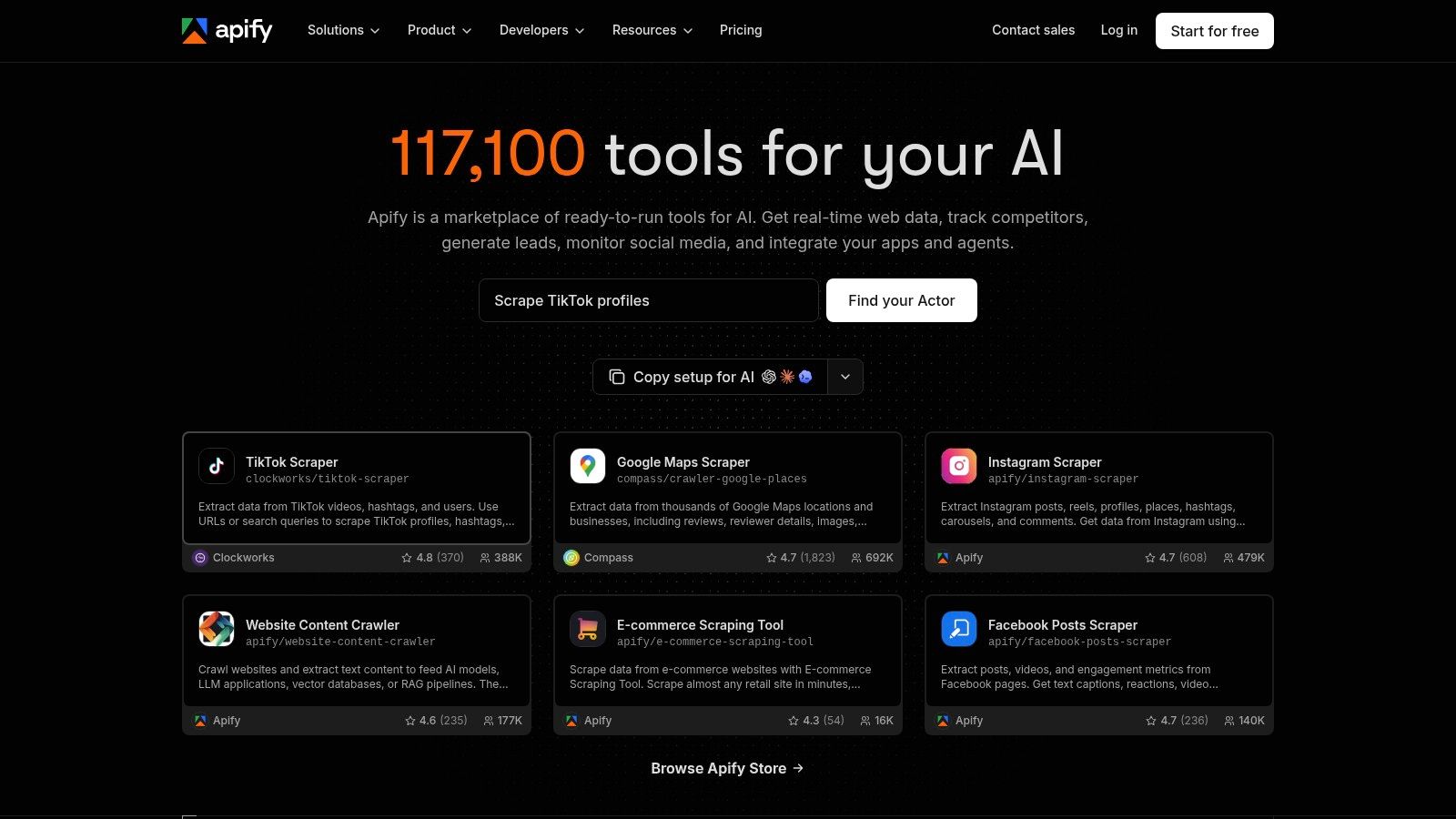
Actors are reusable scraping programs you run in Apify's cloud. You browse the catalog, pick one for your target site or task, configure inputs, and run it on a schedule. Pricing is usage-based and tied to compute, storage, and the Actor you choose, with a free tier to test on. Results feed into integrations or an API.
Where it breaks
Actor quality, maintenance, and pricing vary by publisher, and that variance is the whole risk. Two Actors for the same site can differ in field coverage and cost per 1,000 results. Read the Actor's changelog and recent issues before you build a pipeline on it.
Cost comparison is also awkward, because compute, storage, and Actor charges land in different lines. Run one realistic job and look at the invoice line, not the pricing page.
If the target exposes an endpoint, skip the Actor entirely and read web scraping versus API integration first. Teams that mainly need search results are better served by a best SERP API comparison than by an Actor.
Pros: prebuilt Actors cut setup for common sources, wide coverage of tasks, usage pricing suits intermittent work, clear path from ready-made to custom.
Cons: quality and cost vary by publisher, hard to compare, and less beginner-friendly than a pure point-and-click tool.
9. Simplescraper
Simplescraper aims at the middle: more than a browser extension, less than a cloud platform.
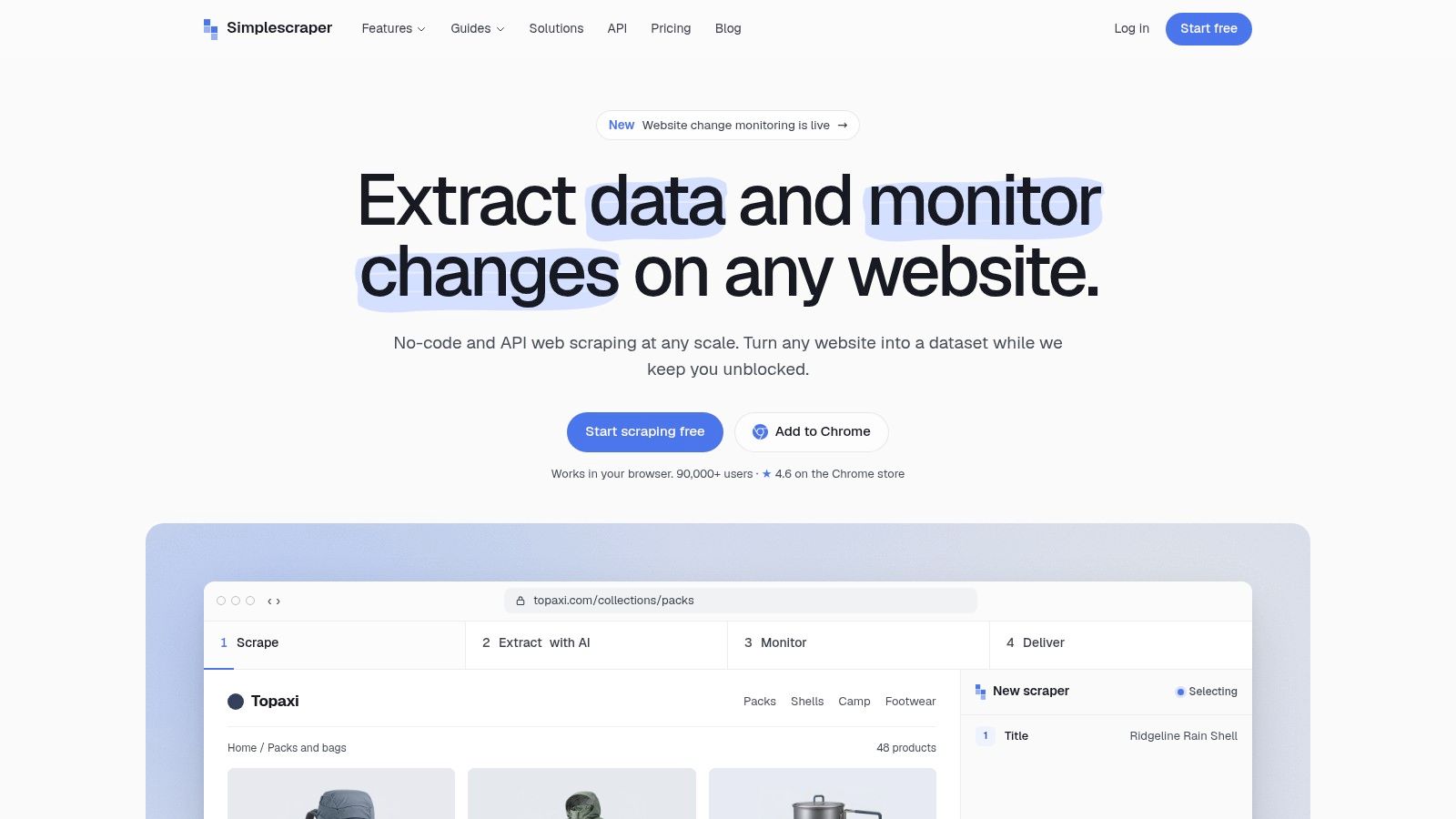
It detects lists automatically, follows multi-page runs, and saves recipes you can reuse on the same site shape. Results export in spreadsheet-friendly formats, and scheduling and integrations are available. Free browser runs let you test the workflow, and paid access is credit-based on the Simplescraper site.
What it's good at
Simple, readable extraction from accessible pages: directories, listings, tables, blog indexes. Automatic list detection saves the part of setup many people get wrong, which is deciding what a record is.
Any tool that guesses your record boundary deserves ten minutes of manual checking on page two and page ten. Errors cluster at the edges of a paginated list, not page one.
Pros: lightweight for basic collection, recipes save time on repeat jobs, free browser runs, simpler than developer APIs.
Cons: free access is limited for real volume, recurring needs mean paid credits, and protected or highly interactive sites need a more capable tool.
10. No Code Web Scraper
Public information on this one is thin, which is itself a data point. The product is a point-and-click extractor oriented at pulling lists and processing batches of URLs, with CSV and Excel exports.
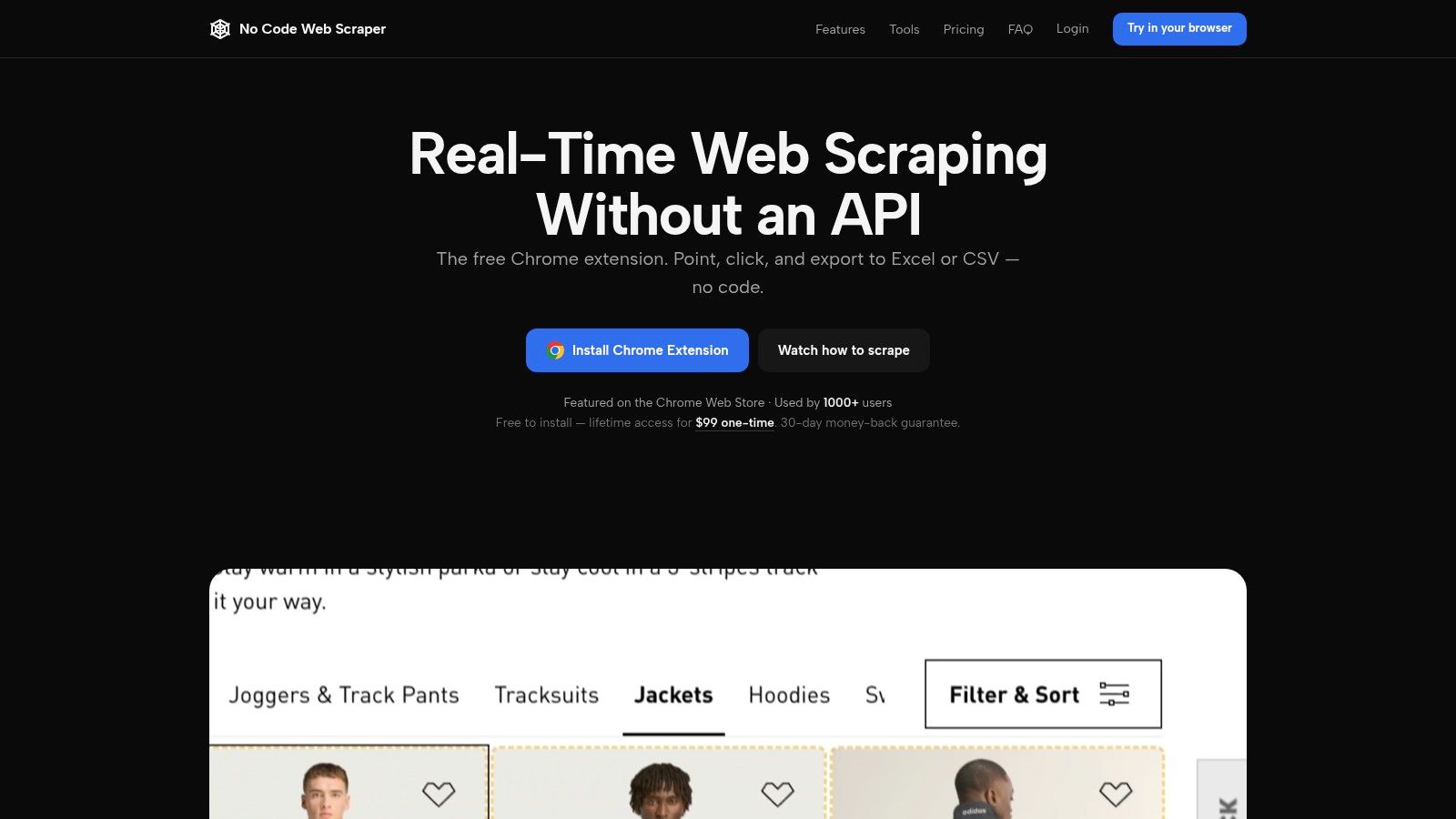
The No Code Web Scraper site lists a free starting tier and a $99 one-time paid option, and current terms should be confirmed there before buying. The appeal is obvious: a one-time license instead of a subscription that renews whether you run anything or not. Bulk URL support helps when you already have a list of pages and need the fields off each one.
That license model fits a specific workload. If you scrape occasionally, in bursts, paying once beats metering every run.
Where it breaks
A one-time license doesn't buy cloud execution or managed infrastructure. If your source blocks datacenter IPs or needs JavaScript rendering, the tool runs on your machine and your connection, so throughput is what your machine and network can do.
Documentation and support detail are also thinner than for the larger platforms, and that matters most on the day something stops working. Before buying, confirm the current feature scope, license limits, and whether updates are included.
If you're new to the category, start with a plain-English explanation of what web scraping is so you can tell which of these limits will bite.
Pros: free entry point, one-time pricing avoids recurring charges, simple list extraction, bulk URL handling.
Cons: limited public detail on scale and support, no managed cloud execution, terms and compatibility need verifying first.
How the ten no-code scrapers compare on free access and pricing model
Four pricing models show up across the list: per-job billing, flat subscriptions, metered credits or runtime, and a one-time license. Free access splits the same way, into ongoing free tiers, credit-limited allotments, and short trials. HarvestMyData is this site's own product, listed under the same criteria as the rest.
| Item | Free option | Paid model | Best for |
|---|---|---|---|
| HarvestMyData | Trial of up to 1,000 profiles available by request | Pay per job, from $3 for 1,000 profiles up to $99 for 250,000; no subscription | Instagram audience contact-list exports without setup |
| Browse AI | 50 monthly credits | Personal starts at $19/month billed annually | Reusable scrapers and change monitoring |
| Octoparse | Local plan with up to 10 tasks and 50,000 monthly export rows | Paid plans add cloud extraction, scheduling, and concurrency | Visual scraping from local tests to scheduled cloud runs |
| ParseHub | Free plan available | Paid plans add scheduling, IP rotation, and higher limits | Custom extraction from dynamic, interactive pages |
| Web Scraper (WebScraper.io) | Free browser extension | Project cloud plan listed at $50/month; seven-day cloud trial | Reusable sitemap rules with scheduled cloud scraping |
| Thunderbit | Six pages per month | Paid tiers add bulk, pagination, subpage, and scheduled scraping | Quick AI-assisted extraction from web pages |
| Axiom.ai | Two free runtime hours for new accounts | Runtime-metered plans add cloud and automation capabilities | Scraping as part of a larger browser workflow |
| Apify | Free tier available | Usage-based pricing varies by resources and Actor | Cloud scraping with ready-made or customized Actors |
| Simplescraper | Free browser runs for testing | Credit-based paid access | Lightweight, spreadsheet-oriented data collection |
| No Code Web Scraper | Reported free starting tier | Reported $99 one-time option; confirm current terms | Occasional list extraction and bulk URL jobs |
Picking the Right No-Code Scraper for the Job
Choose by the job, not the brand. The tools here overlap in features and diverge in what they're built to survive.
- One-off pulls: use a free local tier. Octoparse's local plan, the Web Scraper extension, and Simplescraper's browser runs all cost nothing to test.
- Recurring monitoring: Browse AI and Web Scraper's cloud tier, where the schedule is the product and change tracking comes with it.
- Multi-step browser flows: Axiom.ai and ParseHub, which record interactions rather than just selectors.
- Site-specific catalog jobs: Apify, where an existing Actor may already cover your target.
- Instagram audiences: a per-job extraction service, priced by profiles rather than by seats or credits.
The free tier is where budgets go wrong. A plan that looks generous at demo volume becomes the expensive option once runs, pages, or runtime are counted at production scale. Price your actual monthly job before you compare tiers, and treat usage-based credits as a variable cost that scales with success.
Market commentary is right to be careful here. ScrapeBadger's scraping statistics roundup notes that no dependable adoption or spending statistic shows no-code tools displacing custom scrapers, so vendor claims about category dominance aren't a reason to buy. Judge on outcomes instead: setup time, operator hours, successful records per dollar, email yield, retry frequency, data freshness, and time from order to usable export.
Run a 1,000-profile or 1,000-page pilot first. Then scale to 10,000 and check whether speed and yield hold. A tool that stays flat at both volumes is the one to keep.
For Instagram work specifically, following lists have tended to produce better email rates than follower lists, because who an account follows skews toward commercial profiles. That's an audience decision, not a tool decision, and it's the one that moves your reply rate most. For a wider survey of the category, Mojolin's web scraping tool guide is worth reading alongside this.
Finally, separate contact discovery from outreach permission. An email found on a public profile isn't a verified inbox, a consented contact, or a safe send. Verify deliverability, honor opt-outs, and keep a suppression list before any campaign leaves the building.
If you need Instagram audiences turned into a contact file without touching a login, a proxy, or a subscription, HarvestMyData extracts publicly listed emails and phone numbers from followers, following lists, hashtags, commenters, and likers, priced per job from 1,000 to 250,000 profiles and delivered as CSV or Excel, usually within an hour. Start with a trial of up to 1,000 accounts on your real target audience and check the yield against your own acceptance threshold. Then scale the job that worked.
We built HarvestMyData to handle all of this for you.
No proxies, no code, no account needed.