7 Free Leads List Builders to Try in 2026

The most repeated advice about free leads lists is to grab the biggest download you can find and start sending. That advice is backwards. A file with 50,000 rows, no source, no collection date, and no way to separate a business inbox from a personal one isn't an asset. It's a data-quality bill you pay later, in bounces, blocked domains, and a sales team that stops trusting the CRM.
Free means two different things in this market and they get mixed constantly. There are free entry points, meaning a first job, a preview batch, or a monthly credit allowance. Then there are paid platforms that let you test before you buy. Neither one is the same as a usable list.
Instagram is where a lot of audience research now happens, and the numbers back it. A Digiday+ Research survey of 195 marketing professionals found 92% said their companies used social media for marketing in 2025. The seven options below are ranked by how well each one handles the actual job: find a defined Instagram audience, pull the public contact details, and export a file a CRM will accept.
Table of Contents
- What Arrives at the End of a Job
- Public Data Is Not Free Data
- Why This Step Matters More Than Volume
- Judge the Actor, Not the Platform
- Where It Fits and Where It Doesn't
- Check the Download, Not the Description
1. HarvestMyData
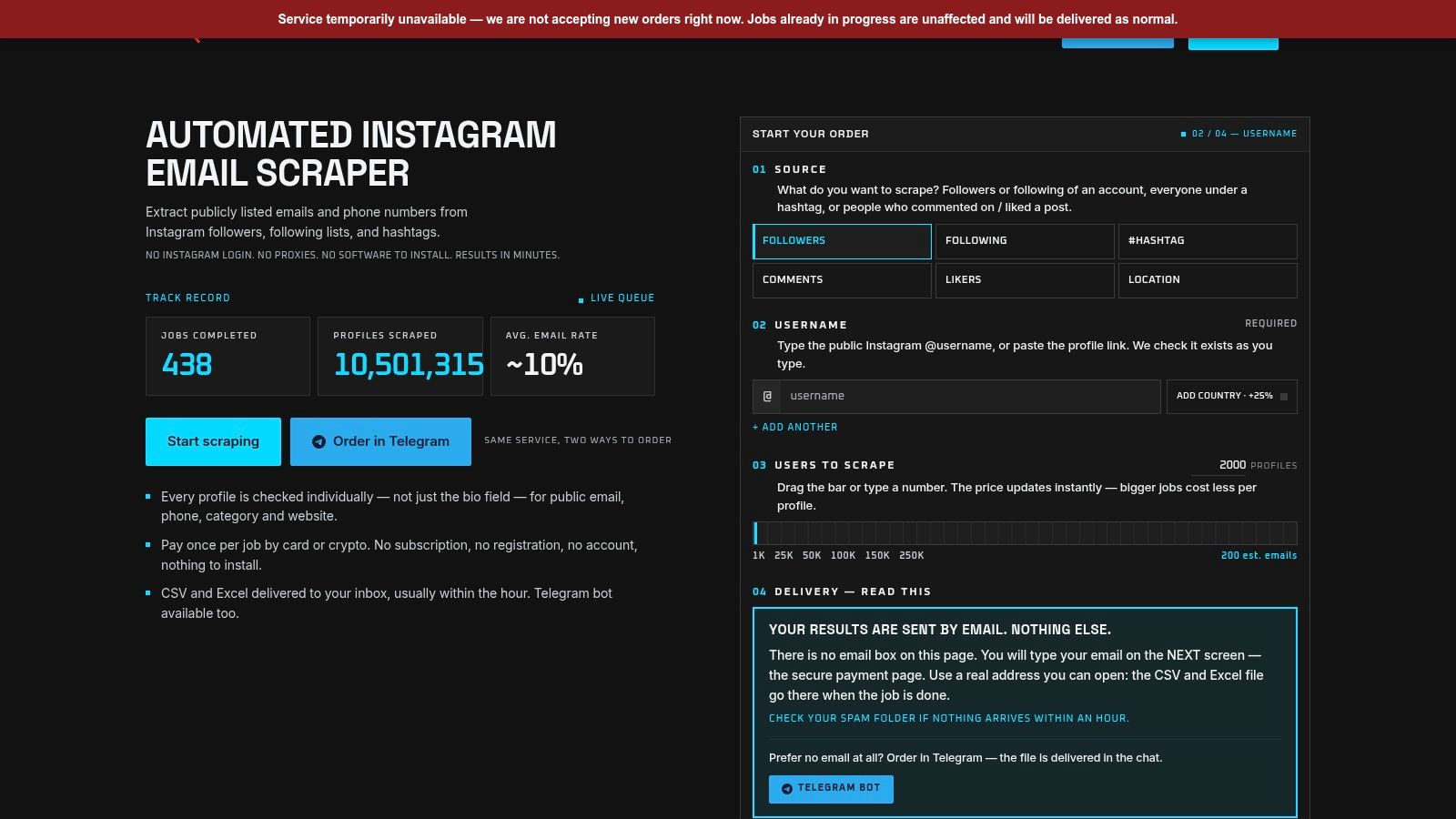
HarvestMyData starts from a named Instagram audience rather than a search box. You name the source: followers of an account, a following list, a hashtag, commenters on a post, or accounts that liked it. The service then opens each public profile and reads the contact details the owner already published.
Pick the list before you pick the volume. Scraping a following list almost always gives better email rates than scraping followers. Business pages, creators, and coaches tend to list their emails more often than other account types. Smaller niche accounts under 50K followers tend to run higher too, and the useful target range is about 10K to 250K followers. Mega accounts with 1M+ followers tend to land lower, since most of that audience is casual users.
What Arrives at the End of a Job
Output is a UTF-8 CSV or Excel file, one row per profile, sent to your inbox or through the Telegram bot, usually within an hour. A live status page fills in as profiles are processed and shows users fetched, emails found, and percent complete, with optional push notifications. Columns cover username, full name, public email, phone number when a business profile lists one, biography, follower count, category, country, and external URL. Country is an add-on, and only for profiles that already have an email. No Instagram login, no proxies, nothing to install.
On average, about 10% of scraped users have a public email. The rate depends heavily on the niche. Fitness coaches, photographers, real estate agents, and e-commerce brands typically yield 15% to 30%. Those addresses come off the profile itself. They are real, publicly listed contacts, not guesses or generated addresses.
Pricing is per job, from $3 for 1,000 profiles up to $99 for 250,000, and the price per profile falls as the order grows. A free trial of up to 1,000 accounts is available on request. Use that batch to measure yield on your own niche. It is a first look, not a finished list you can keep mailing from.
What works
- A source you can name later: every row traces back to the audience you chose.
- Profile-level checks: each profile is read for a published email or phone, rather than an invented address pattern.
- One job, one price: no subscription to manage or cancel.
What doesn't
- Yield is a range, not a promise: niche and account size move the email rate more than order size does.
- Lawful use stays with you: stick to lawful outreach, follow CAN-SPAM and GDPR, do not harass or resell the raw file, and honor opt-out requests.
2. IGLeads.ai
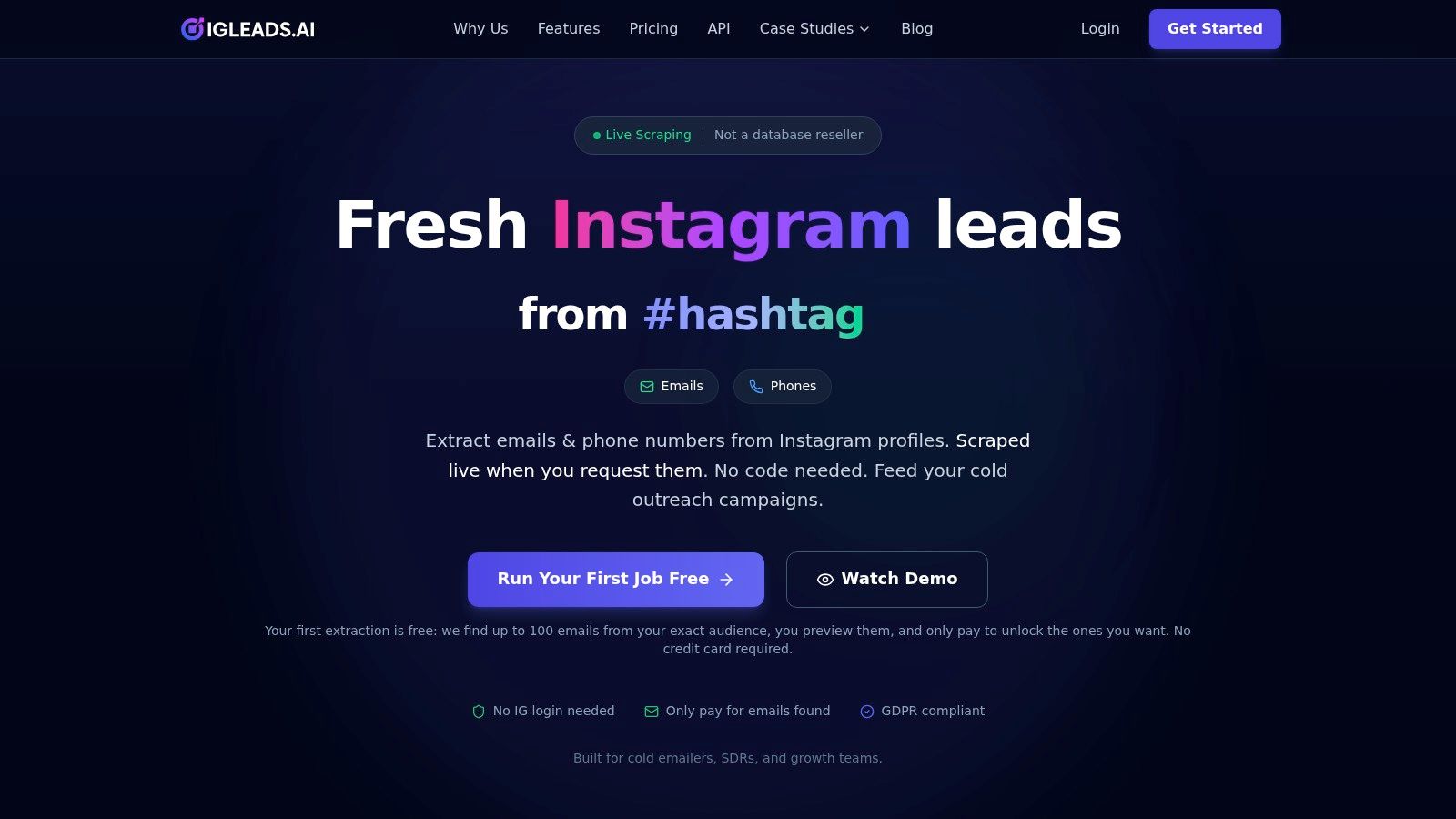
IGLeads.ai works on the same principle: point it at an Instagram audience such as a competitor's followers or the users behind a hashtag, let it open the profiles, and export the public contact details it finds. The difference is the free entry point. The first job runs free and returns a preview of up to 100 email leads, so you can see the actual hit rate on your own target audience before paying for anything.
That preview is the right way to judge any Instagram tool. Pick a niche you already know, run the free batch, then check three things. How many rows carry a real email, how many are info@ or sales@ addresses rather than a named person, and whether the bios and follower counts match the audience you expected.
Public Data Is Not Free Data
The ICO's guidance on collecting information and generating leads sets the standard plainly. Publicly available information from websites and social media can support lead generation, but only after you assess lawfulness, fairness, transparency, and what the people identified would expect. You generally have to tell individuals you hold their information and explain how you'll use it, and privacy information usually has to reach them within a month of collection.
That means a real workflow, not a checkbox. Record the source URL, collection date, purpose, and retention date on every row, and keep a suppression list that survives export and re-import. Outreach to business contacts isn't exempt either, since the ICO notes UK GDPR can apply when the data identifies a person acting in a business capacity.
Larger lists run on pay-per-result pricing or a subscription, and the provider advertises no Instagram login requirement. Treat the paid tiers as scale, not as a quality guarantee. For a wider view of where this fits, these email list building tools cover the import, verification, and sending stages that come after extraction.
3. LeadStal
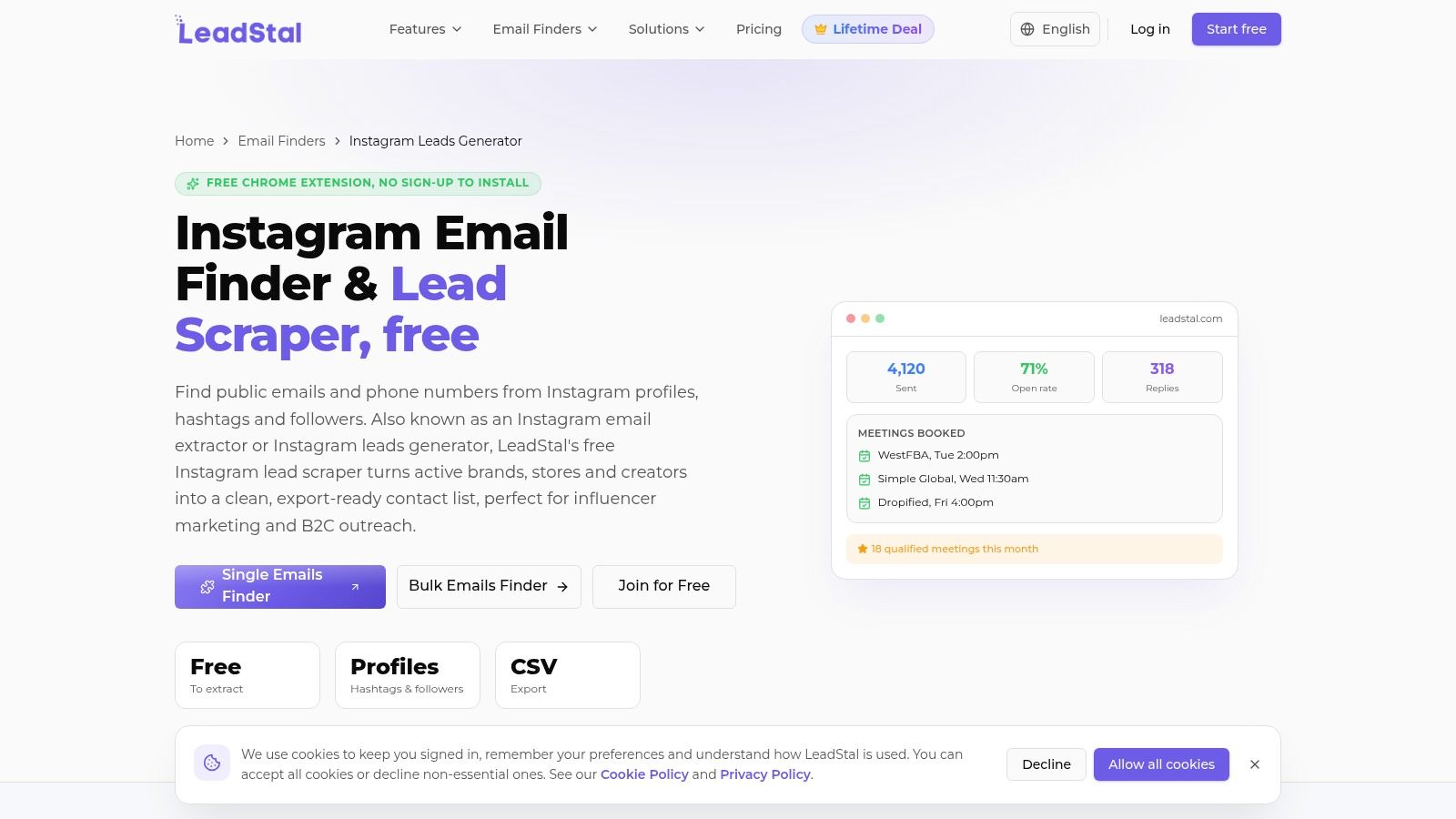
LeadStal takes the browser-first route. It ships a Chrome extension that pulls public email and phone details from a profile you're already looking at, plus a bulk downloader for profiles, hashtags, and follower lists, and it advertises free discovery tools alongside paid plans aimed at high-volume outreach. The extension suits a specific habit: you're researching a profile, the email sits in the bio, you click once instead of copying it by hand.
The bulk workflow is where the free claims deserve testing rather than trust. Export limits, coverage, and field completeness change as Instagram's markup changes, so run a small batch against a list you can verify manually before you plan a campaign around it.
A list you can't audit is a list you can't defend when a prospect asks where their email came from.
Why This Step Matters More Than Volume
Poor data doesn't just lower reply rates, it breaks the handoff. The B2B Marketer report on lead data quality found nearly three-quarters of marketers estimated at least 10% of their lead data was inaccurate, outdated, or non-compliant. More than 60% said poor data disrupted lead handoffs, and only 31% expressed complete confidence in their compliance efforts.
- Deduplicate on two keys: normalized email plus company domain and name, because one key always misses something.
- Separate role inboxes: a generic business address and a personal address carry different rules and different reply rates.
- Score before you send: assign a confidence value to every row and keep anything undocumented in quarantine.
The extension is faster for one profile. The bulk route needs setup time and a habit of re-checking coverage after any platform change.
4. Apify
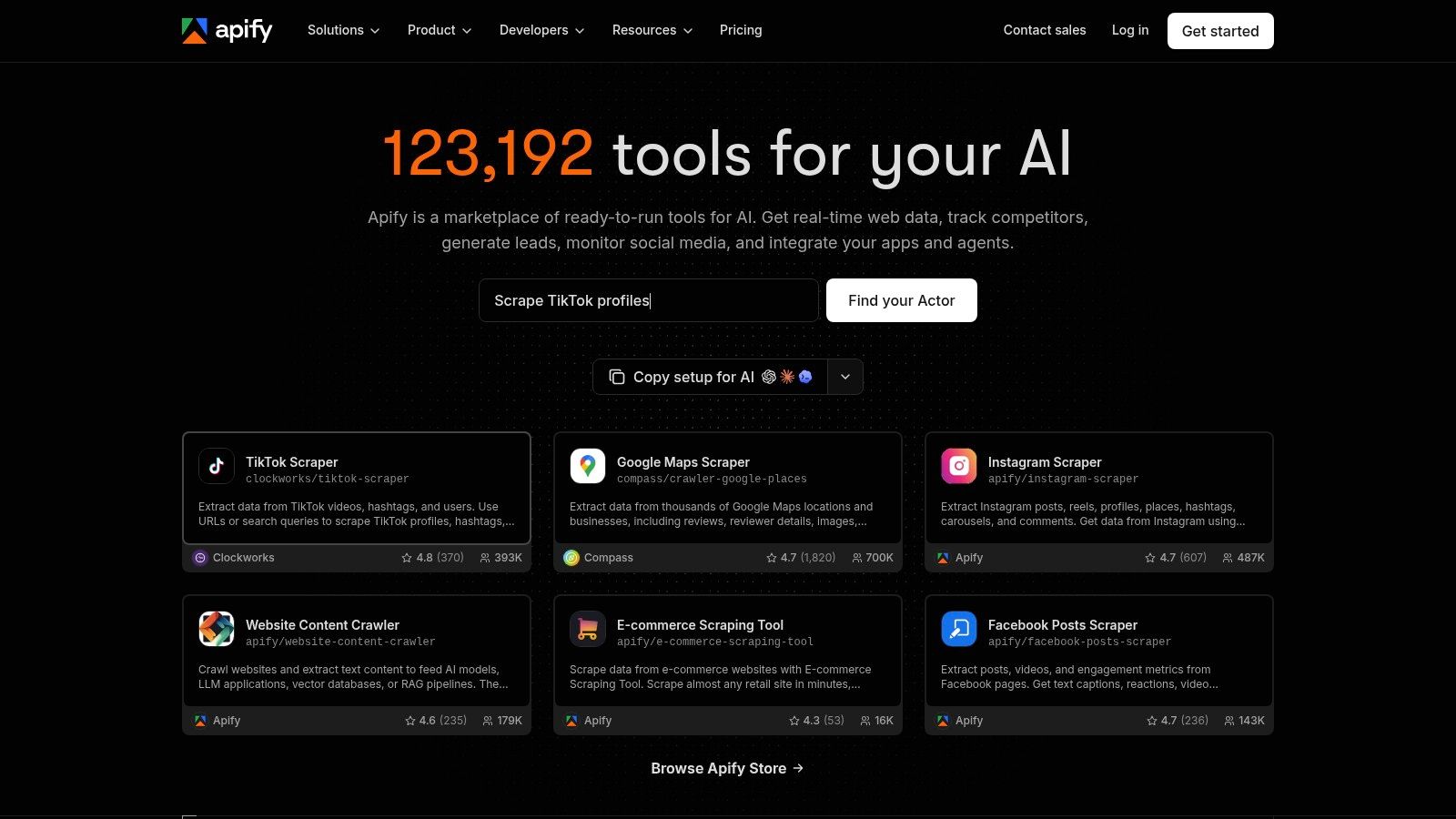
Apify isn't a lead tool. It's a scraping and automation platform with a marketplace of ready-built scrapers called Actors, and several of those Actors pull Instagram profile, post, and hashtag data. You pick an Actor, feed it usernames, URLs, or hashtags, and download the resulting dataset as CSV or Excel. The free plan includes $5 in monthly usage credits, enough to test one workflow on a small input.
What Apify won't do is tell you which Actor is worth using. Two listings that both say Instagram profile scraper can return different fields, run at different speeds, and break on different weeks.
Judge the Actor, Not the Platform
- Check the last run date: an Actor that hasn't executed recently is a warning, not a bargain.
- Read the sample output: confirm the fields you need, especially whether email is returned at all or only bio text.
- Test on known profiles: run 50 accounts whose answers you already have and compare row by row.
A major advantage is scheduling and API access. Once a workflow works, you can run it weekly and pipe results into a spreadsheet or database without touching the interface. That's valuable for a team that wants repeatable collection rather than a one-off file, and largely irrelevant for someone who needs one campaign list this week. Budget an afternoon for configuration the first time, and expect to revisit it when an Actor is deprecated.
5. PhantomBuster
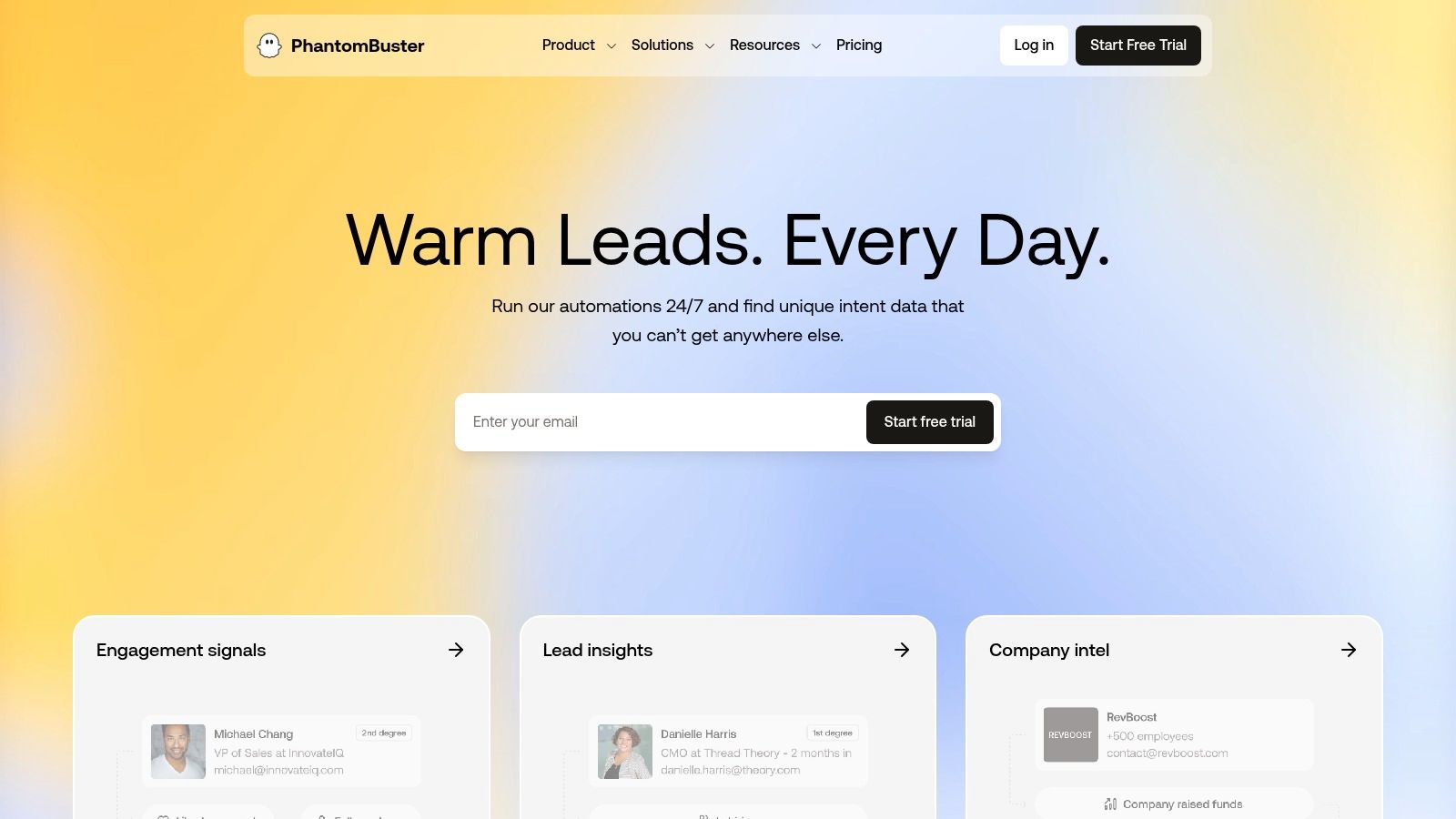
PhantomBuster calls its automations Phantoms, and its Instagram set collects followers, profile details, and engagement data from sources you specify. The 14-day free trial gives you the full workflow. After the trial, the free plan tightens sharply and file downloads are capped at 10 rows.
That 10-row limit is the line between a demo and a deliverable. It shows you the shape of the output. It doesn't build a campaign. If you're evaluating it, spend the trial doing the job on one niche, then export everything you need before day 14 ends.
Setup reality: a Phantom that runs cleanly once is not the same as one that runs weekly without breaking.
Where It Fits and Where It Doesn't
The platform's strength is breadth. It handles multi-platform workflows and API calls that a single-purpose scraper won't touch, which makes it useful for teams standardizing several collection jobs under one roof.
- Account risk: automations that act through a logged-in session raise platform-rule questions you should settle before running at volume.
- Execution limits: free and entry tiers cap run time, so a large list needs planning, not a single blast.
- Export friction: confirm your plan allows the download size you need before you collect 5,000 rows.
For a fuller breakdown of Instagram-specific options, this guide to the best Instagram scraper compares how each tool handles audience input and export. PhantomBuster sits at the automation end of that range. It's the right pick when Instagram is one of several sources you need to standardize, and the wrong one when you need a clean 10,000-row file by Friday.
6. Apollo.io
Apollo answers a different question. It won't look at an Instagram audience at all. It searches a B2B contact database by role, company size, industry, and technology, which is the right approach when your buyer is defined by title and firmographics rather than by who follows a competitor.
The free plan provides 900 credits per seat per year, issued monthly, and revealing contact details consumes credits. That allowance is a research budget, not a list-building budget. Set your filters tightly, preview the count, and only then start revealing, because a broad search will burn a month's credits in an afternoon.
Use It for the Right Job
Apollo earns a place on this list for one reason: it's the fastest way to test whether a title-based segment exists at all before you spend effort on an audience-based route.
- Firmographic filters first: industry, headcount, and location narrow the set far faster than job title alone.
- Verify before import: some records go stale, so run a validation pass and drop anything that bounces.
- Check export rights: export and CRM sync options vary by plan, so confirm yours before building.
If your campaign depends on Instagram behavior, meaning who engages with a competitor or comments on a launch post, Apollo can't help. Pair it with an audience tool instead of trying to force it. For the surrounding workflow, these sales prospecting tools cover the sequencing and CRM side that follows list creation.
7. Consulti
Consulti takes the opposite approach from every tool above. Instead of extracting anything, it hands you pre-assembled lists organized by niche, including real estate, restaurants, and service professionals, delivered as CSV files. Some lists are fully free, others release a stated slice such as 25% at no cost, and a free account includes database filters plus monthly lead and verification credits according to its help page.
The appeal is speed for a small business that needs something workable today. No configuration, no Actor selection, no extension install. Download, open in a spreadsheet, start segmenting.
Check the Download, Not the Description
- Confirm the row count: compare what lands in the file with what the page advertises before you plan outreach volume.
- Test a sample of contacts: verify 20 addresses through a validation tool and see how many resolve.
- Look for a source column: if the file can't tell you where a record came from, you can't document it for compliance.
The structural limit is targeting. These lists are built around a niche, not around a behavior, so you can't ask for the followers of a specific account or the people who commented on a launch post. That makes them a reasonable starting point for a local service business and a poor fit for a team whose whole advantage is knowing which audience to approach. Treat a partial free slice as a sample, not a campaign.
Free Leads List Tools at a Glance
A trial is not a free list. Match each no-cost entry to an Instagram audience workflow, or to a database when the row has no Instagram source.
| Tool | Free offer | Instagram audience source | Export format | Best-fit user |
|---|---|---|---|---|
| HarvestMyData | Trial of up to 1,000 accounts on request | Followers, following, hashtags, commenters, and post likers | CSV and Excel | Users seeking contact details from specific Instagram audiences |
| IGLeads.ai | Free first-job preview of up to 100 email leads | Followers and hashtag users | CSV | Users who want to preview Instagram-sourced leads before paying |
| LeadStal | Free extension and lead-finding tools advertised | Profiles, hashtags, and followers | Export available; format not specified | Users prospecting in-browser or combining lead collection with outreach |
| Apify | $5 monthly usage credits on the free plan | Instagram profiles, posts, and hashtags; depends on the selected Actor | CSV and Excel | Technical users building configurable or automated scraping workflows |
| PhantomBuster | 14-day free trial; limited free plan afterward | Followers, profiles, and engagement-related sources | CSV and JSON on paid plans | Teams automating repeatable, multi-platform workflows |
| Apollo.io | Free plan with monthly credits | No Instagram audience sourcing | Export options vary by plan | B2B users targeting people by role and company |
| Consulti | Some free lists or portions; free account includes monthly lead and verification credits | No Instagram audience sourcing | CSV | Users seeking ready-made niche lead lists |
Build a Free Leads List You Can Actually Use
A free plan is not a free leads list. Write one sentence that names who you need to reach, such as the followers of three competitor accounts in your city or the commenters on a recent product launch. If that sentence names an account or a behavior, you need an audience extractor. If it names a job title and a company size, you need a B2B database. Outbound teams waste budget when they buy the second after the plan called for the first.
Match the free entry point to the setup your team will consistently maintain. A hosted job that returns a file needs no upkeep. An Actor, a Phantom, or a Chrome extension needs configuration time and someone who notices when the run breaks. A preview of 100 leads tells you more than a free tier that caps downloads at 10 rows. The preview answers the early question that decides whether to pay: what share of this audience publishes a contact you can use?
Clean the batch before you scale. Drop duplicates on two keys, check domain and mailbox status, and split generic business inboxes from named addresses. Records with no source or collection date stay in quarantine, not on the send list. Judge the file on usable contacts after cleaning, not on row count.
Import the clean CSV only after opt-out handling is already in place. Each record needs a suppression path and a retention date before the first send. Recording an objection on the way in costs less than pulling someone out after a complaint. A traffic checker for home service websites will not tell you whether an Instagram audience has usable emails, so keep that check out of this workflow.
A smaller list with documented provenance and a measured bounce rate will outproduce a bigger export. The tools above differ in price and in how "free" is defined, from a one-time preview to monthly credits, but every one of them still depends on the same cleaning pass.
HarvestMyData builds Instagram lead lists from sources you choose, including followers, following lists, hashtags, commenters, and post likers, and delivers publicly listed emails and phone numbers as a CSV or Excel file, usually within an hour. A free trial of up to 1,000 accounts lets you measure the email yield on your own niche before you commit to a job. Visit HarvestMyData to run that test and see which audience source gives your campaign the strongest start.
We built HarvestMyData to handle all of this for you.
No proxies, no code, no account needed.