10 Sales Prospecting Tools for Better Lead Lists

The most popular advice about sales prospecting tools is to buy the platform with the biggest database and the longest feature list. That's the wrong starting point. A founder finding business emails, a RevOps team building enrichment workflows, and an agency researching Instagram audiences are buying different outcomes.
The best tool depends on the job. Start with where your prospects come from, which fields you need for follow-up, and what happens when a record is incomplete or wrong. A searchable profile isn't necessarily a reachable contact, and a reachable contact isn't necessarily a qualified buyer.
The preparation burden matters. A summary of Salesforce State of Sales data reports that representatives spend about 40% of their workweek selling. The buying question isn't how many contacts a tool can reveal, but how much research, cleanup, and transfer work remains afterward.
- Find B2B contacts when you know the roles and companies you want to target.
- Verify business emails when you already know the person or company.
- Research social audiences when your starting point is a community, creator, or brand.
- Build enrichment workflows when you need to combine sources and apply qualification rules.
Keep engagement software separate from data acquisition, too. A comparison of which LinkedIn engagement tool wins addresses a different purchase from choosing a source of prospect records.
Table of Contents
- Make the audience hypothesis explicit
- Evaluate the complete workflow
- Buy against a documented use case
- Separate data sourcing from lawful outreach
- Test the fields that drive your next action
- Use relationship context deliberately
- Evaluate the delivered record
- Keep discovery and verification distinct
- Make the trial representative
- Price the workflow, not just the subscription
- Test the handoff before scaling - Preserve context and responsibility
1. HarvestMyData
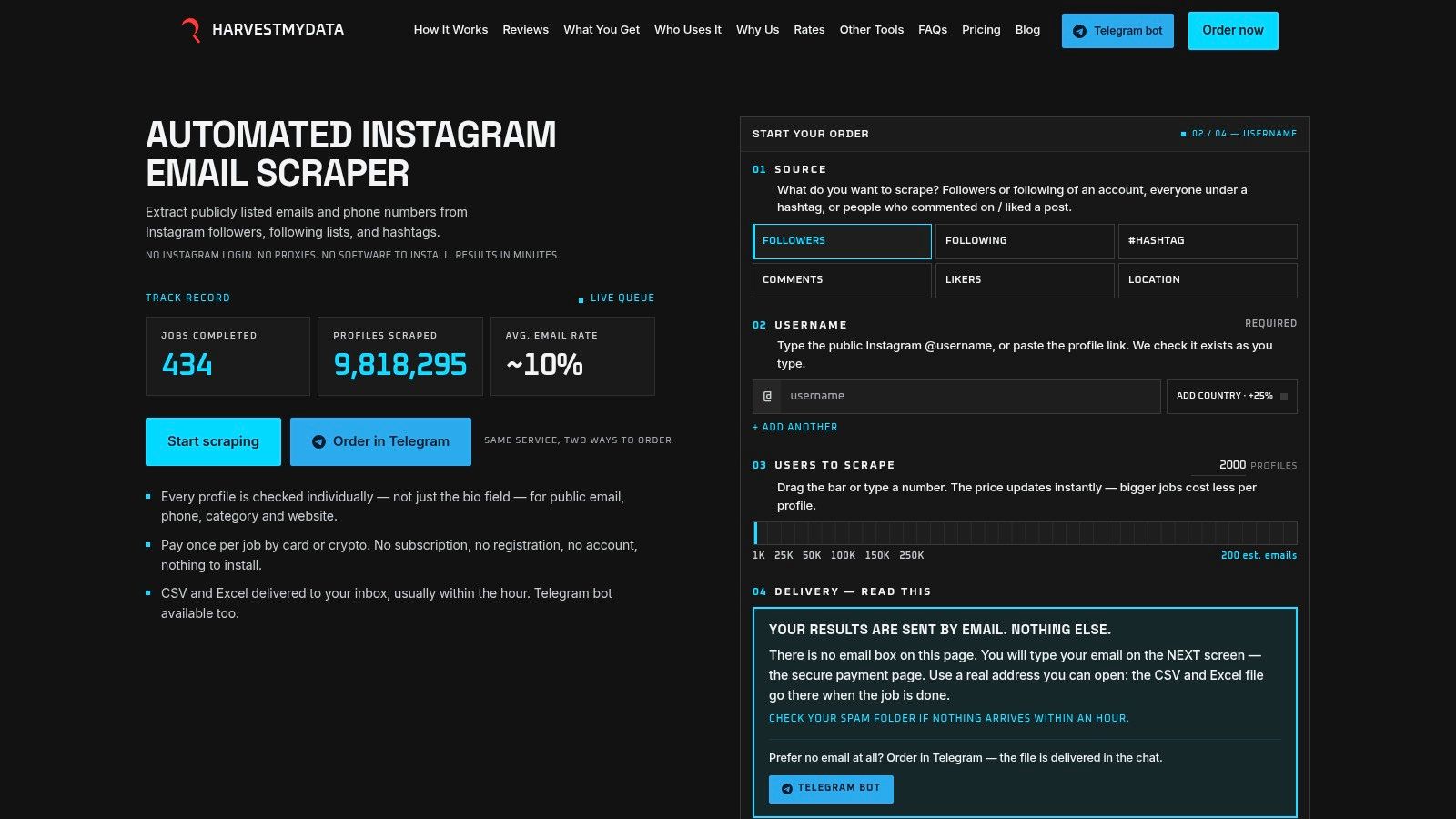
Best suited to researching defined Instagram audiences, HarvestMyData starts with followers, following lists, hashtags, commenters, or likers rather than a conventional company-and-job-title search. It turns publicly listed contact details and profile information into CSV or Excel files for qualification and downstream sales work.
The service's described workflow doesn't require an Instagram login, proxy setup, API keys, or installed software. Customers order through the website or Telegram and pay per job rather than maintaining a recurring subscription. That model is worth considering when audience research happens around campaigns instead of continuously.
The important distinction is between profiles processed and usable contacts delivered. HarvestMyData checks profiles individually for available public contact details, but not every profile will contain an email or phone number. A freshly collected address also still needs validation and a relevance check before outreach.
Make the audience hypothesis explicit
An agency selling services to independent retailers could investigate an audience around a relevant trade community. That's a research hypothesis, not evidence that everyone in the audience owns a store or needs an agency.
- Useful outputs include usernames, names, bios, categories, websites, follower counts, and available contact details.
- Operational advantage comes from receiving structured files without maintaining extraction infrastructure.
- Main limitation is audience-dependent contact availability, followed by the work needed to establish business fit.
Practical rule: Treat Instagram engagement as context for research, not as proof of buying intent or permission to contact someone.
Before ordering broadly, define what would make a profile useful: business category, website fit, geography, and an appropriate contact type. Request a trial, inspect the file structure, and keep source-audience information alongside your qualification decisions. HarvestMyData is a specialized discovery option, not a replacement for verification, suppression checks, or legal review.
2. Apollo.io
Choose Apollo when discovery and follow-up need to happen in the same workspace. Apollo.io combines B2B contact and company search with sequencing and sales-engagement capabilities. That makes it a candidate for founders and SDR teams that would otherwise move records between separate research and outreach products.
Its role, company, industry, and location filters support conventional outbound targeting. Start with a narrowly defined customer profile, review the returned contacts, and only then build sequences. Automating follow-up before checking the audience makes an untested targeting decision harder to unwind.
Evaluate the complete workflow
Apollo's appeal is consolidation, but consolidation only helps if your team uses the connected capabilities. A freelancer who needs occasional email lookup should compare that requirement with a more focused finder rather than assuming a broader platform offers better value.
- Strength is the connection between contact discovery and outreach execution.
- Cost consideration is the interaction between seats, credits, usage limits, and the features your team needs.
- Data limitation is that coverage and accuracy still need testing against your target roles and geography.
Use the free entry option to test a representative segment, then measure how much manual correction remains before CRM import or outreach. The publisher's guide to choosing sales prospecting tools provides additional category context, while Grou's take on Sales Nav vs Apollo addresses the choice between professional-network research and database-led prospecting.
Buying judgment: Apollo belongs on the shortlist when you want an integrated outbound process, not merely a file of contact details.
3. ZoomInfo SalesOS
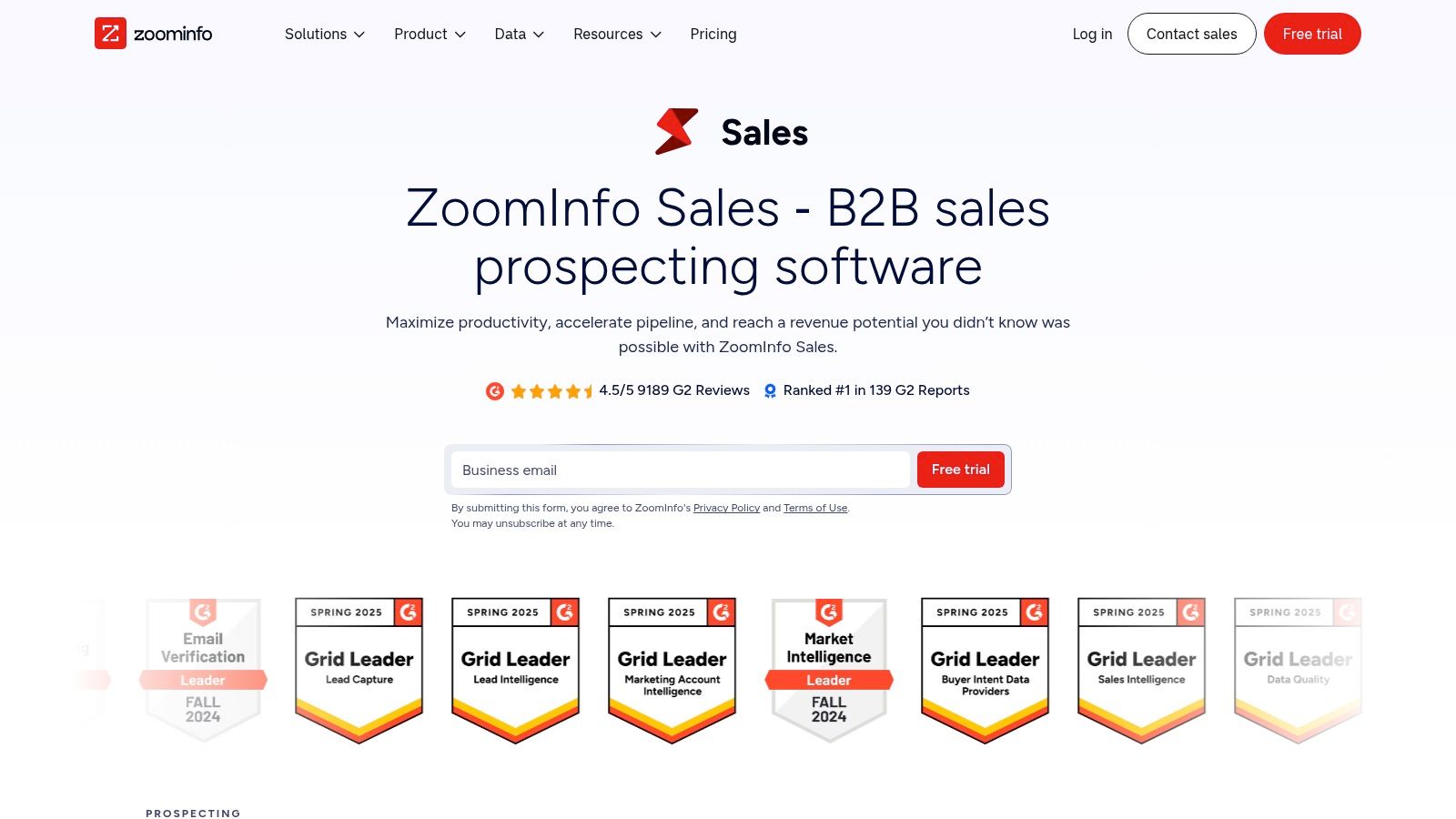
For an established sales organization, the harder question may be which accounts deserve attention, not where to find another email address. ZoomInfo SalesOS is an enterprise-oriented option for contact discovery, account research, prioritization, and connected sales workflows.
Its fit is strongest when managers and representatives need shared account information and an agreed process for acting on it. A team buying account intelligence should therefore evaluate how information reaches sellers, who owns each account, and which signals justify a change in priority.
Buy against a documented use case
Bring your own target-account sample to the evaluation. Ask the vendor to demonstrate the relevant contact coverage, account context, export path, and CRM integration rather than relying on a polished demonstration audience.
Quote-based pricing means the commercial review matters alongside the product review. Request clarity on included capabilities, user access, data usage, integration requirements, and renewal terms before comparing the offer with self-serve alternatives.
- Best fit is structured, team-wide B2B prospecting and account-based selling.
- Potential drawback is enterprise packaging that exceeds a small team's operational needs.
- Implementation priority is deciding which fields and signals should update existing CRM records.
A broader platform isn't automatically a better enrichment purchase. Compare the missing fields in your CRM with the workflows discussed in this contact enrichment software guide, then ask whether you need account intelligence, record completion, or both. The purchasing mistake to avoid is paying for intelligence without assigning anyone to act on it.
4. Cognism
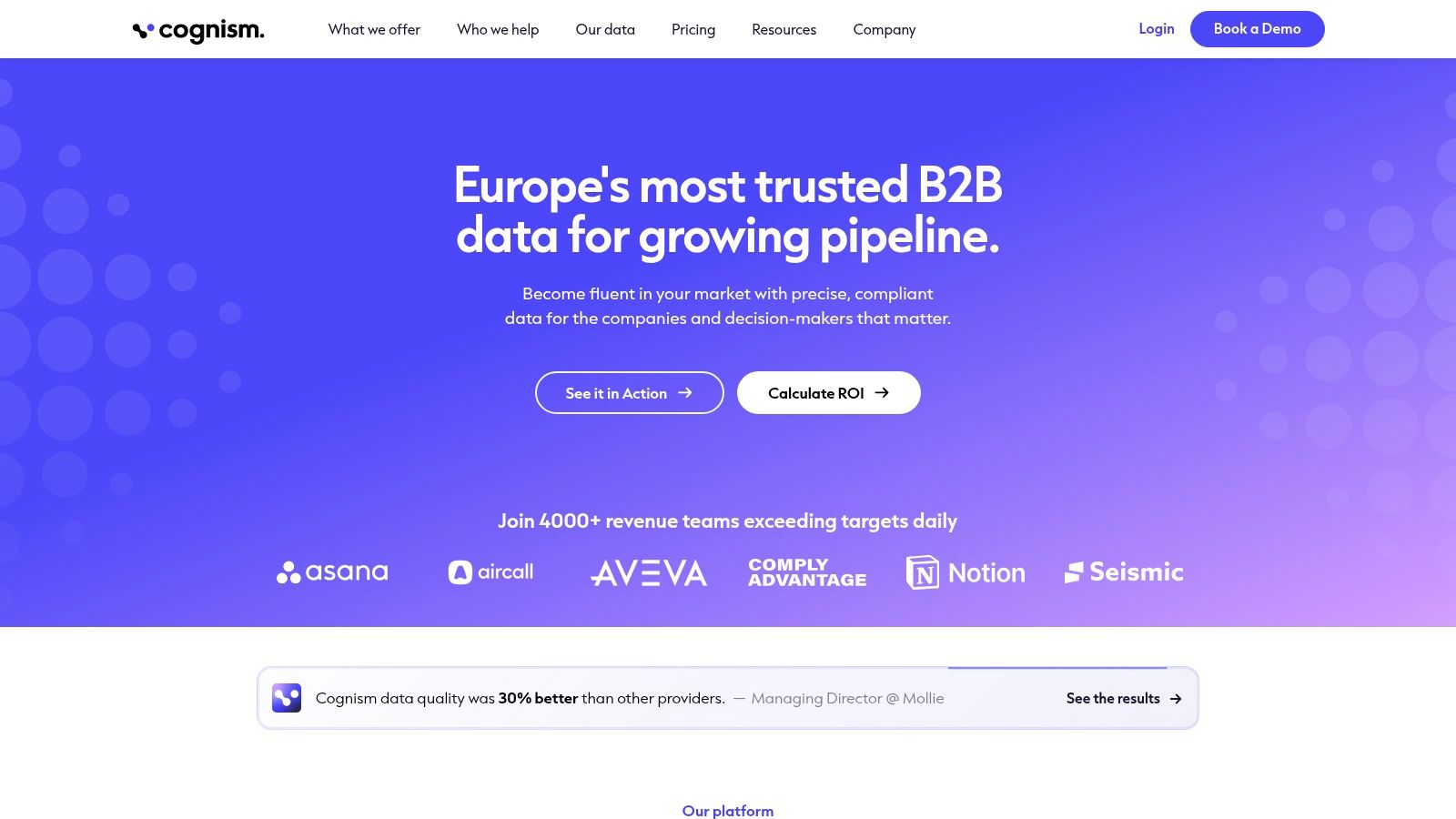
An international prospecting team shouldn't assume that a database suitable for one territory will serve every other market equally well. Cognism is worth evaluating for B2B contact research with a European focus, particularly when phone-based outreach is part of the sales motion.
Its described capabilities combine contact information with company attributes and signals. Package-dependent options include mobile verification and research around events such as hiring or job changes. Those inputs can help a seller decide what to investigate, but they shouldn't be treated as confirmation of a purchase requirement.
Evaluate by territory and channel, not just by total records returned. Give the vendor examples of the industries, seniority levels, and countries you pursue, then inspect email and phone coverage separately.
Separate data sourcing from lawful outreach
A vendor's compliance processes don't settle every question about your campaign. Your team still needs to review the recipient's country, the contact type, the proposed channel, and how objections and suppression requests will be handled.
A verified phone number answers a contactability question. It doesn't answer whether your team should call that person.
Customized pricing also requires a specific usage discussion. Clarify which verification capabilities, signals, exports, and team permissions are included, and whether occasional list building justifies the proposed commitment.
Cognism is a stronger category match for international B2B research and calling workflows than for discovering people inside Instagram audiences. Choose it when the business-contact research problem fits, then validate the target market rather than extrapolating from the platform's positioning.
5. Lusha
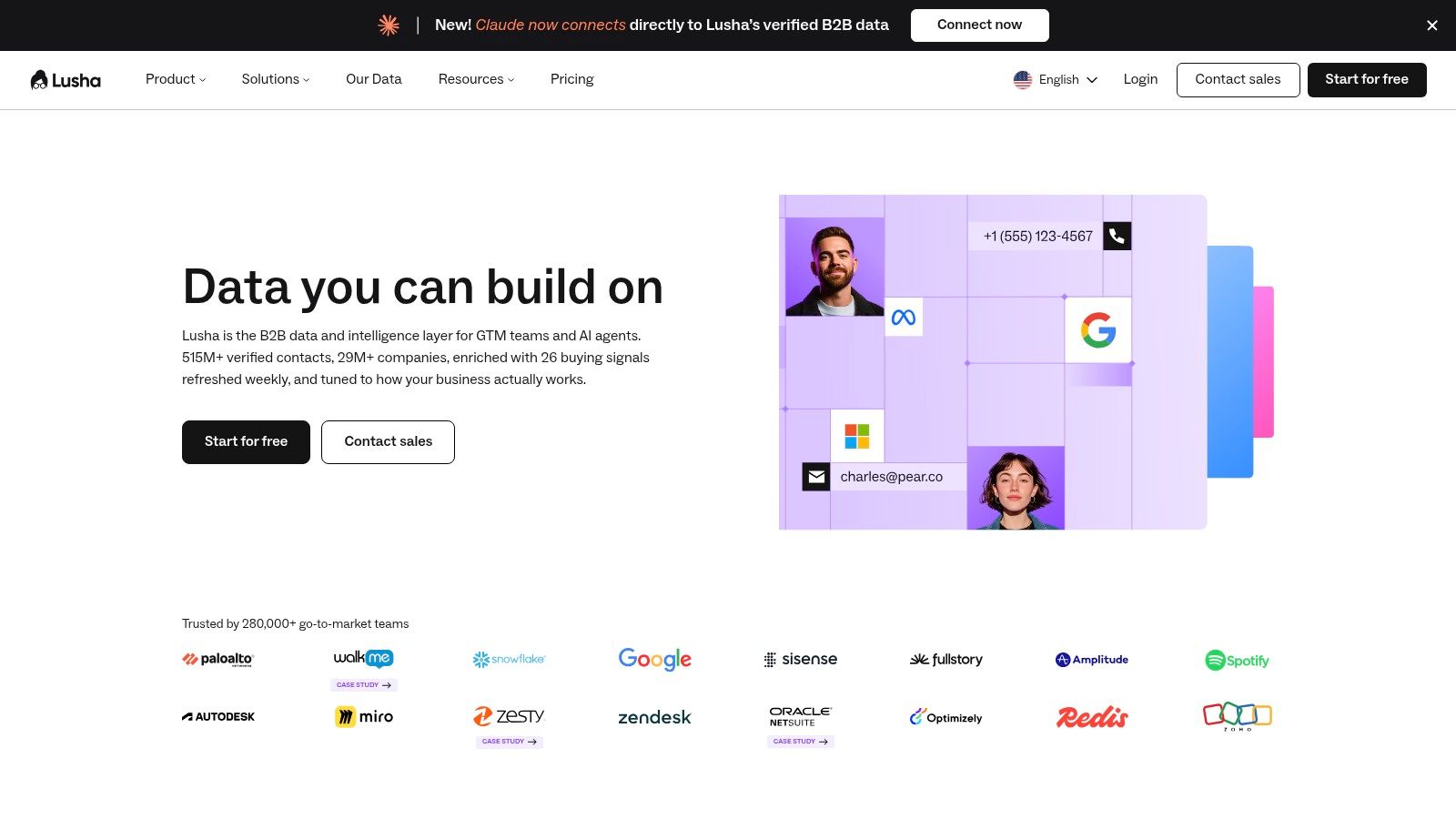
Sometimes a representative already knows which company to pursue and needs an appropriate business contact. Lusha fits that self-serve lookup use case through contact discovery, detail reveals, enrichment, and browser-assisted research.
For an individual seller or smaller team, the practical appeal is the ability to investigate contacts during an existing research session. Search filters support targeting by attributes such as title, seniority, industry, and location, while CRM and API workflows can support a more connected process.
The commercial question is which information you need to reveal. Email and phone access can consume credits differently, so a calling-led team should model its own usage rather than borrowing an email-led team's budget assumptions.
Test the fields that drive your next action
A useful evaluation should inspect more than whether a record contains an address. Check whether the person's role, company association, location, and contact type make the record actionable.
- For focused research, assess how easily a seller can move from a target company to a relevant person.
- For CRM enrichment, inspect field mapping and how existing values are handled.
- For budgeting, confirm reveal rules, credit allowances, and the limits attached to the intended plan.
The free tier offers a way to inspect the workflow, but sustained prospecting requires a separate usage assessment. Lusha is a plausible choice for accessible business-contact lookup, provided your target segment passes a coverage test. It's less directly aligned with audience-first research where the starting input is a social community rather than a company or professional role.
6. LinkedIn Sales Navigator
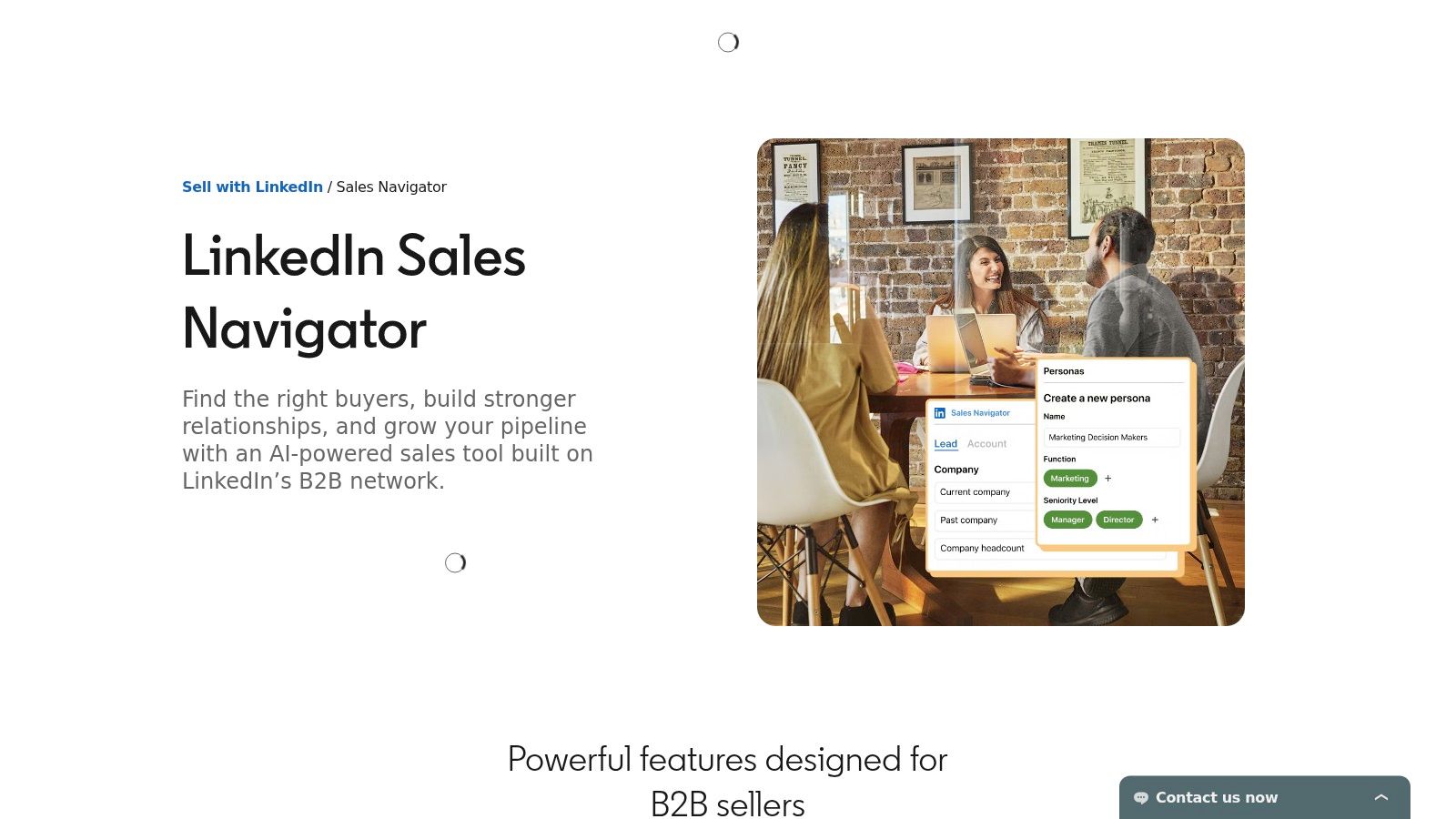
Finding the right person and finding their email are different jobs. LinkedIn Sales Navigator is principally useful for researching professionals, tracking accounts, and understanding relationship context within LinkedIn's network.
Advanced search, saved leads and accounts, recommendations, and alerts support an ongoing research practice. Higher-tier collaboration and integration capabilities may matter when several sellers work the same accounts. It's not primarily a bulk export service for verified email and phone records.
That distinction changes how you should assess the subscription. If your immediate requirement is a contact file, network research alone may leave you needing another product and an additional handoff.
Use relationship context deliberately
Build a focused account list, identify likely stakeholders, and record why each person matters to the buying process. Review relevant alerts and connections before deciding how to approach them.
- Best use is decision-maker research, account monitoring, and warm-path discovery.
- Budget concern is paying for research access while still needing separate contact discovery or verification.
- Workflow concern is checking whether the required CRM and collaboration features sit within the proposed plan.
The relevance question deserves attention. A global buyer survey summarized by Responsive reported that 90% of B2B buyers research before speaking with a vendor. That doesn't establish that a particular LinkedIn activity signals demand, but it reinforces the need to understand context before approaching someone.
Choose Sales Navigator for better research and relationship judgment, not because you expect a ready-made, outreach-ready contact database.
7. UpLead
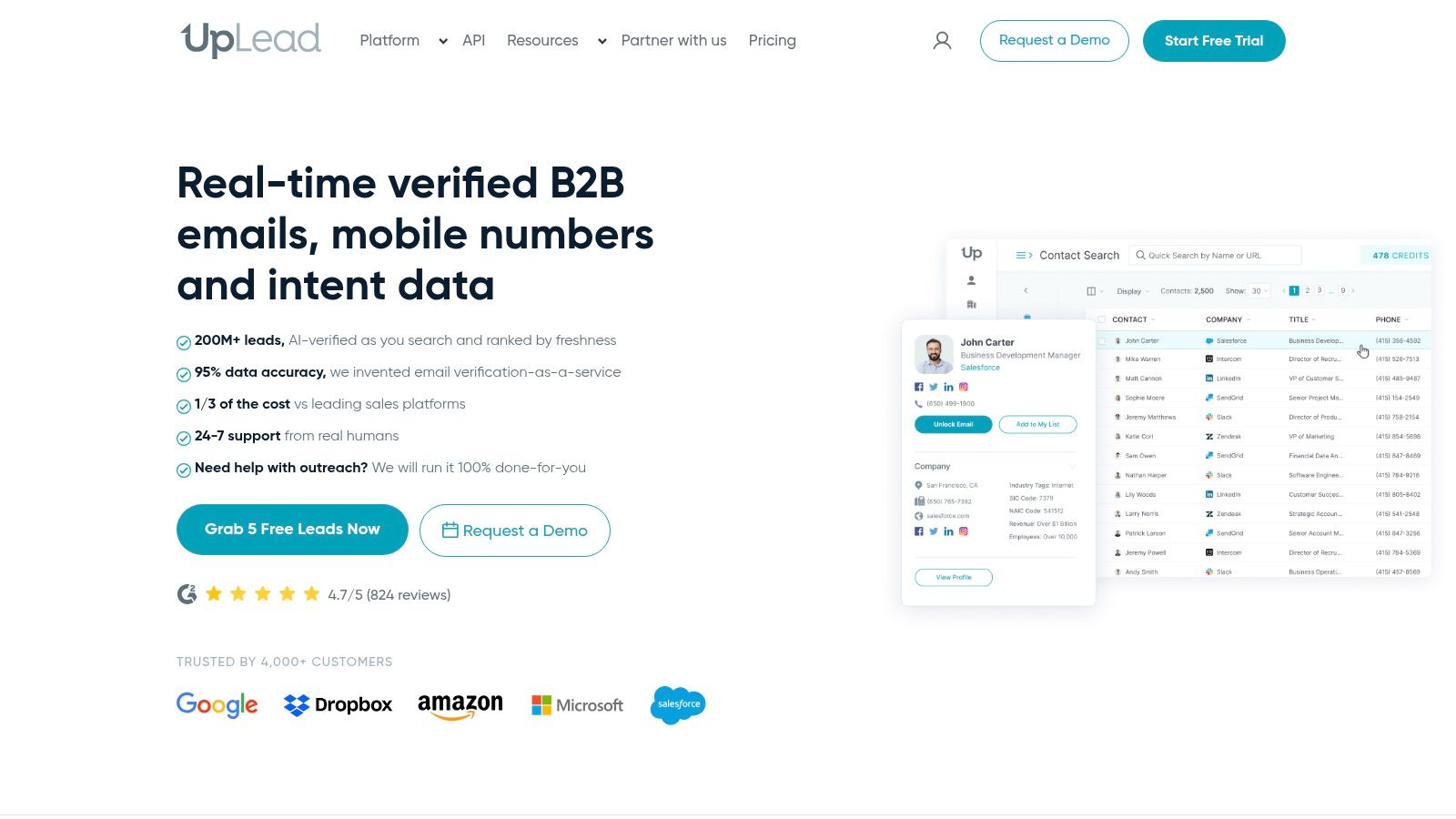
The handoff from search results to a usable file deserves its own buying criteria. UpLead is a B2B prospecting option that combines contact search with downloadable records, email verification, and CRM workflows.
Its described export-time email checking makes it relevant when your immediate deliverable is a contact list rather than an all-in-one engagement workspace. Search for the target segment, inspect the returned contacts, and assess the exported fields before building the rest of the campaign around them.
Verification doesn't replace qualification. A technically usable address can still belong to someone outside your target market, without buying authority, or at the wrong company for your offer.
Evaluate the delivered record
Use your own acceptance criteria when testing an export. Include business fit, role relevance, required fields, duplication, and the amount of manual research needed after download.
- Strength is the combination of B2B discovery and downloadable contact data.
- Commercial trade-off is evaluating credit allowances and billing commitments against actual usage.
- Feature boundary is checking which enrichment, API, intent, and team capabilities require a different package.
For a sales team that already has an outreach platform, a focused data source may be more appropriate than replacing the entire stack. The publisher's discussion of prospect research tools offers context for distinguishing discovery from deeper qualification.
Choose UpLead when search-to-export usability is central to the purchase. During the trial, have the person responsible for CRM imports review the output, not just the seller who likes the search interface.
8. Hunter
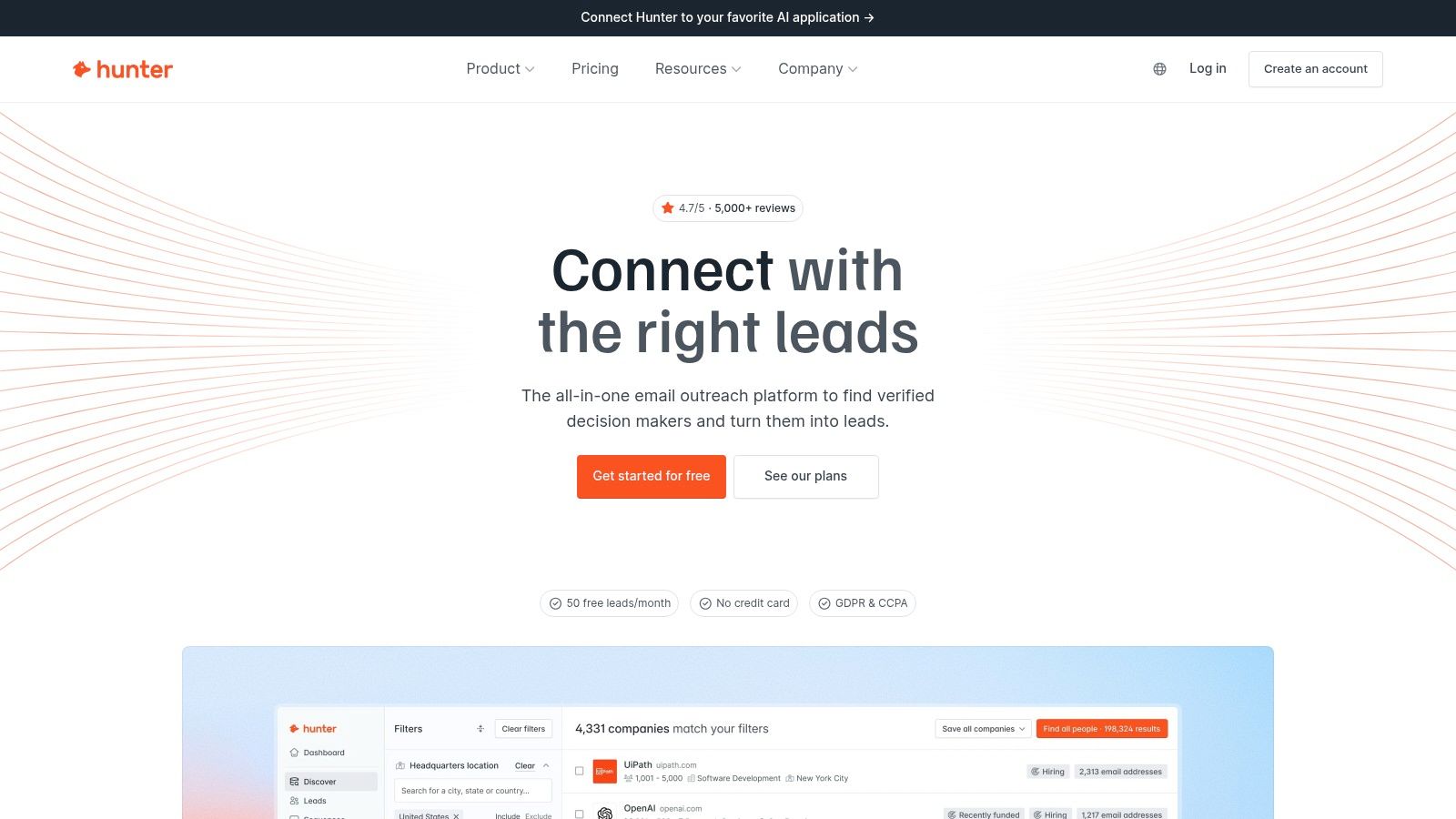
If you already know the target company, buying a broad intelligence platform may solve a larger problem than you have. Hunter focuses on business-email discovery and verification, with domain search, person-based lookup, bulk operations, and outreach capabilities.
That makes it a logical candidate for founders, consultants, and agencies working from a researched account list. Instead of asking the tool to define the market, you supply company domains or person-and-company details and investigate the available email information.
Keep discovery and verification distinct
An email finder helps locate an address. A verifier assesses the address using its verification process. Neither establishes that the person has a current need, that the message is relevant, or that outreach is appropriate.
Buying insight: When you already know whom you want to reach, compare the cost of completing those records before buying another source of names.
Hunter's narrower scope is useful when email is the missing field, but it's a limitation when the workflow depends on phone numbers, account intelligence, or social-audience discovery. Check lookup rules, unsuccessful-search treatment, bulk usage, and verification allowances before committing a large file.
A practical implementation starts with a researched company list and a clear target role. Find the relevant address, preserve the verification result, and retain enough company context to write a specific message. Choose Hunter for focused email work, not as a substitute for defining your ideal customer or researching why that person should hear from you.
9. Seamless.AI
Seamless.AI describes its offering as real-time B2B contact search for business emails, phone numbers, and prospect details. It's a candidate for teams that want to build targeted contact lists and move them into an existing sales process.
The term real-time needs careful interpretation during evaluation. Ask what happens when a search runs, which fields are checked, and how uncertain or missing results are presented. Don't treat the label as an assurance that every returned record is current, accurate, and suitable for outreach.
Its broader offering includes package-dependent integrations and optional intelligence or enrichment capabilities. Buyers should distinguish the contact-search product they need today from add-ons that require a separate operating process.
Make the trial representative
Use contacts from your actual target industry and geography. Compare returned job information and company associations with your research, then inspect the export and the work required to prepare it for use.
- Coverage test should reflect the roles your team sells to, not whichever segment returns the most records.
- Commercial review should clarify credits, paid access, export rights, integrations, and contract terms.
- Quality review should distinguish contact availability from independently checked usability.
Free access can help you understand the interface, but it shouldn't be the sole basis for predicting paid-workflow economics. Shortlist Seamless.AI when targeted B2B contact discovery is the job, and judge it by accepted records and downstream effort rather than search activity. Subscription access is also a different purchase from a completed, pay-per-job audience file.
10. Clay
Clay is the workflow-builder choice, not just another contact database. Clay lets teams work in tables, combine data sources, enrich records, and automate research. It's best considered when your qualification process requires logic that a standard contact search can't express.
A RevOps team might start with company domains, add firmographic information, research website fit, and only then seek contact details for the accounts that qualify. That's an implementation pattern, not a promised result. Its value depends on the inputs, selected providers, and rules the team builds.
Price the workflow, not just the subscription
Clay's Actions and Data Credits require buyers to understand what each step consumes. A workflow that repeatedly enriches unsuitable records can incur unnecessary usage before anyone discovers the targeting problem.
The setup burden matters, too. Someone needs to own field definitions, provider selection, failure handling, duplicate prevention, and maintenance when requirements change.
- Strength is flexibility across research, enrichment, and qualification steps.
- Limitation is the effort needed to build and maintain a dependable process.
- Implementation priority is applying inexpensive qualification checks before more involved enrichment.
Data quality makes that ownership important. A CRM-data summary citing Validity reported that 76% of organizations said less than half their CRM data was accurate and complete.
Clay won't resolve poor definitions automatically. Choose it when your team can articulate the workflow, assign an owner, and measure whether the resulting records are more useful than the inputs.
Top 10 Sales Prospecting Tools: Feature Comparison
| Tool | Core Features | Experience & Data Quality | Pricing / Value | Best For | Standout |
|---|---|---|---|---|---|
| 🏆 HarvestMyData | Instagram audience extraction; public emails, phones, and profile data; CSV/Excel | ★ Live tracking; typically ~2 min per 1,000 profiles; email yield averages ~10% | 💰 Pay per job: from $3/1,000; free trial up to 1,000 | 👥 Instagram-focused sales, marketing, and research | ✨ No login or setup; web or Telegram ordering |
| Apollo.io | B2B contacts, CRM, and outreach sequences | ★ All-in-one workflow; coverage varies | 💰 Free plan; Basic $49/seat/month billed annually | 👥 Founders, SDRs, and small sales teams | ✨ Prospecting and outreach in one platform |
| ZoomInfo SalesOS | B2B contacts, account intelligence, and sales integrations | ★ Enterprise-scale workflows; verify key records | 💰 Quote-based | 👥 Larger sales organizations | ✨ Account intelligence and buying signals |
| Cognism | B2B contacts, firmographics, signals, and phone data | ★ Emphasis on European coverage and verified mobiles | 💰 Customized pricing | 👥 International B2B sales teams | ✨ European prospecting focus |
| Lusha | B2B contact lookup, enrichment, browser extension | ★ Self-serve workflow; coverage varies | 💰 Free tier; paid plans use credits | 👥 Individuals and smaller sales teams | ✨ Quick contact discovery while browsing |
| LinkedIn Sales Navigator | Lead and account search, alerts, recommendations | ★ Strong professional-network context; not a bulk contact export | 💰 U.S. Core from $119.99/month | 👥 B2B sellers researching decision-makers | ✨ Relationship context and mutual connections |
| UpLead | B2B contact search, email checks, exports, CRM integrations | ★ Real-time email checks on export | 💰 Essentials from $74/month, billed annually | 👥 Teams needing downloadable B2B contacts | ✨ Contact-level credit pricing |
| Hunter | Domain search, email finder, verification, sequences | ★ Focused email research and verification | 💰 Free plan; paid plans from $34/month, billed annually | 👥 Users researching business emails | ✨ Domain-based email discovery |
| Seamless.AI | B2B contact search, list building, sales integrations | ★ Real-time search; validate target data | 💰 Free option with 50 credits; paid pricing varies | 👥 Teams building B2B prospect lists | ✨ Contact search with optional intent tools |
| Clay | Data enrichment, workflow automation, multiple providers | ★ Highly configurable; setup and results depend on workflows | 💰 Free plan; usage-based credits and actions | 👥 RevOps and technically comfortable sales teams | ✨ Combines 150+ data providers |
Build a Prospecting Workflow That Scales
Choose sales prospecting tools by prospect source, required fields, team structure, and tolerance for setup. Self-serve databases suit teams that want to search conventional business roles. Enterprise intelligence platforms deserve consideration when shared account research and prioritization justify the commercial and operational commitment.
Specialized tools solve narrower problems. Hunter fits email-focused research, Sales Navigator fits professional-network investigation, and Clay fits configurable enrichment. HarvestMyData serves a different starting point: defined Instagram audiences that need to become structured records before qualification and outreach.
The useful comparison isn't the advertised size of the database or the cheapest subscription. Compare how much you spend, and how much staff time you use, to produce records your team can responsibly act on.
Test the handoff before scaling
Run a representative pilot and follow records through the entire process. Have sellers assess relevance, operations staff inspect imports, and the campaign owner review verification and suppression handling.
- Measure usable yield by counting records that meet your business and contact requirements.
- Inspect export flexibility by checking field names, formats, source information, and CRM mapping.
- Calculate operating cost using credits, seats, integrations, verification, and manual preparation.
- Track commercial outcomes through positive replies, qualified conversations, and opportunities rather than records collected.
A multi-channel SDR benchmark reports average cold-email reply rates of 5–6%. That figure is context, not a performance promise or a target that transfers automatically to every audience. Your own results should be segmented by source and qualification method so you can see which inputs lead to useful conversations.
Preserve context and responsibility
Keep provenance with the record: source audience or provider, profile URL where appropriate, collection date, verification status, contact type, and suppression status. Document unknowns instead of allowing empty fields to become assumptions. Before outreach, review the relevant country and channel requirements with qualified guidance.
For social audiences, compare broad discovery with tighter segments based on observable business fit. A follower or commenter may provide useful research context, but you still need evidence of relevance and an appropriate reason to approach them. For broader team-led acquisition ideas, consider this discussion of turning your team into a prospecting channel.
Start with the smallest purchase that can test your workflow. Select a representative audience, define what counts as an acceptable record, and inspect the CRM handoff before increasing spend. Scale the source that produces relevant, traceable contacts with manageable preparation work, not the one that merely returns the largest file.
HarvestMyData turns defined Instagram audiences into structured CSV or Excel files containing available public contact details and profile information, with pay-per-job processing. Visit HarvestMyData to explore an audience extraction job or request a trial, then assess the exported records against your prospecting requirements before expanding.
We built HarvestMyData to handle all of this for you.
No proxies, no code, no account needed.