10 Best Instagram Analytics Tools for 2026

Instagram Insights is the best starting point for basic reporting on an account you own; Instagram provides professional accounts with metrics such as reach, impressions, engagement, follower growth, audience demographics, and content performance. For deeper benchmarking, scheduled reports, or multi-brand management, Iconosquare, Rival IQ, Socialinsider, and Sprout Social can be more useful, depending on the job.
The popular advice to pick one “best” Instagram analytics tool misses the practical question: what decision should your data help you make? A creator comparing Reels with carousels has different needs from an agency reporting across client accounts or a business trying to connect social activity with leads. Start by separating first-party account data from public-profile estimates. The two aren't interchangeable: access, history, and metric definitions can differ, so a competitor's estimated engagement shouldn't be treated like your own account's Insights.
This list is organized around practical analytics jobs, from native reporting and client-ready exports to competitive benchmarking, planning, creator monitoring, hashtag research, and public-data checks. Instagram analytics has also grown beyond collecting likes and follower counts. A survey of more than 600 global B2B and B2C Instagram marketers found that 51% use AI to analyze performance, audience data, or competitive intelligence, a shift toward interpreting data rather than just gathering it (HubSpot's Instagram marketing report).
For teams researching public business audiences, HarvestMyData can complement analytics by turning publicly listed Instagram contact information into structured CSV or Excel files. It's an audience-data workflow, not a tool for measuring content performance. For a broader view of the category, compare this guide with PostSyncer's best social media analytics tools 2025.
Table of Contents
- Where the native baseline is enough
- Test the history before you buy
- Don't confuse reporting with attribution
- Read the denominator, not just the rate
- Make the planning view answer a measurement question
- Inspect the comparison before presenting it
- Use benchmarks to generate questions
- Treat the report as a measurement artifact
- Use public research to shortlist, not certify
1. Instagram Insights and Meta Business Suite
If the question is how your own Instagram account is performing, start with Instagram Insights. Available to business and creator accounts through the Professional Dashboard, it provides first-party account, audience, and content data. Meta Business Suite brings reporting to desktop, which can be more practical when you're reviewing results with a team.
Insights is the best baseline for metrics such as reach, impressions, engagement, follower growth, audience demographics, and content performance. Use it to compare your own posts, Reels, and Stories, then look for patterns you can act on. The distinction between metrics matters: reach counts unique accounts exposed to content, impressions count total displays, and engagement captures interactions such as likes, comments, shares, and saves.
Where the native baseline is enough
Instagram Insights is a sensible starting point for a small team that doesn't need competitor comparisons or recurring client reports. It uses account data directly and doesn't require a separate analytics subscription. Keep in mind that native reporting is platform-specific, while outside tools may be designed to aggregate accounts or build recurring reports.
The limitation is depth and workflow, not whether the data is useful. If you need a repeatable account review or a more detailed Instagram profile analyzer, define the questions first, then see whether Insights answers them before adding a paid tool.
Practical rule: Use native reporting as your reference point. Check the metric name, date range, and account before comparing an external report against it.
Visit Meta Business Suite for desktop reporting.
2. Iconosquare
Iconosquare is a strong fit when Instagram-focused reporting needs to be deeper and easier to share than a native dashboard. Its feature set includes analytics for Reels, Stories, tags, and mentions, along with paid and boosted-content metrics, competitor comparisons, and downloadable or scheduled reports. That makes it especially relevant to agencies and brands that need to explain performance to clients or stakeholders, not just inspect it internally.
Its advantage is the reporting workflow. A recurring report can make trends easier to review, while benchmarks can put an account's results in context. But “historical data available” needs a qualification: the history a tool can show may depend on when the profile was connected and what the platform makes available. Don't assume a newly connected account will have a complete back catalogue.
Test the history before you buy
Use a trial to check a real account and a date range that matters to your reporting. Confirm which metrics apply to organic posts, boosted content, and other formats, and export a report to see whether the labels and definitions are clear enough for your audience.
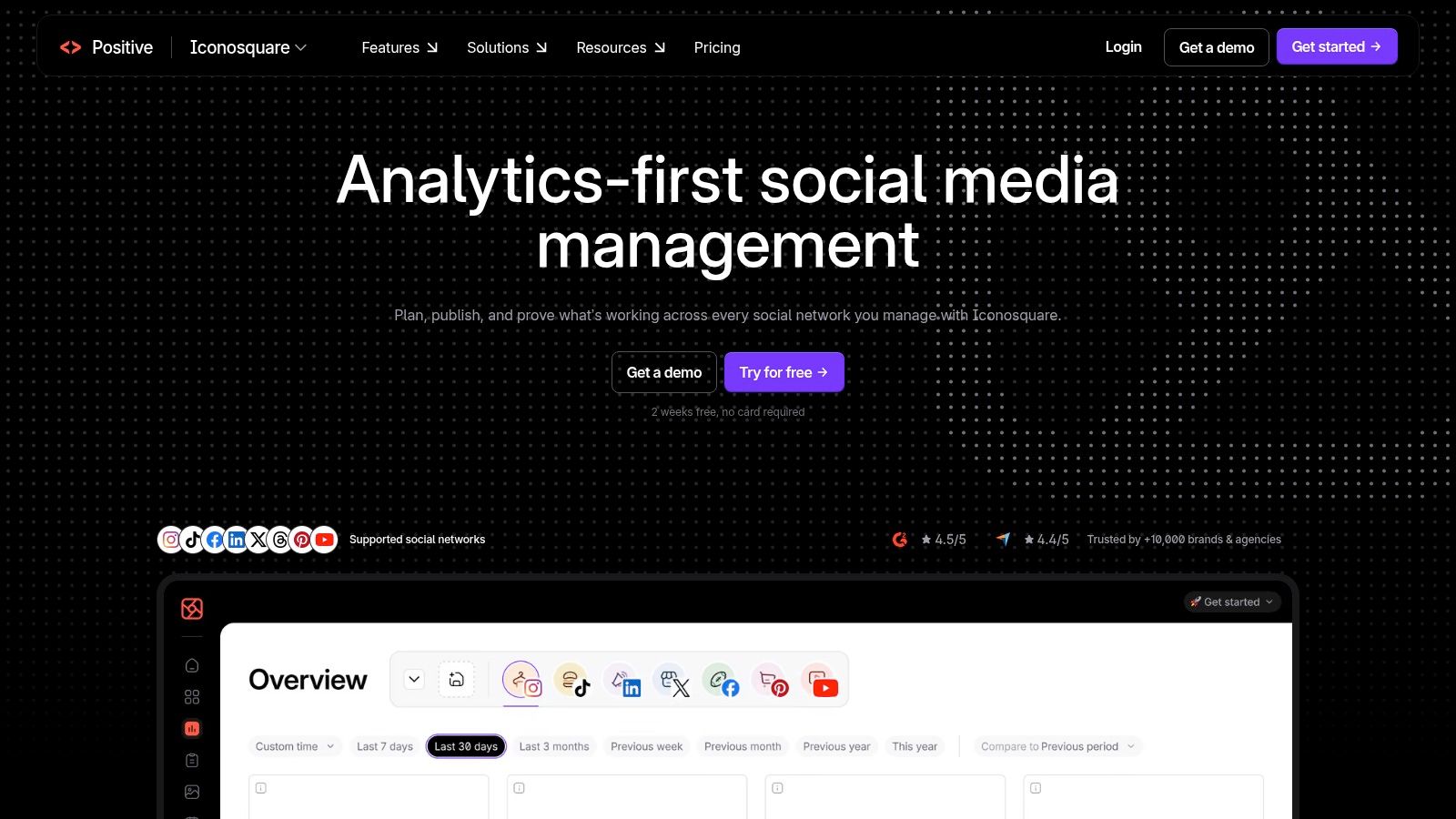
Iconosquare's reports are most useful when they support a decision, such as whether a content format is gaining traction, rather than adding more charts. Pricing varies by region and plan, so compare the actual tier and included reporting features you'd use.
Explore Iconosquare's Instagram analytics.
3. Sprout Social
Sprout Social makes more sense when Instagram reporting is one part of a wider social-management operation. It combines Instagram analytics with reporting across other networks, and its scheduled exports and roll-ups can help teams prepare executive or multi-brand reports. Workflow features for social commerce and UTM tracking may also help connect social activity to wider marketing operations.
The trade-off is complexity and cost. Sprout's depth is useful if multiple people need shared reporting across profiles or brands, but less compelling if you only need a monthly view of one Instagram account. Premium Analytics is an add-on, so evaluate the full cost of the features you need rather than assuming every advanced reporting function comes with the base plan.
Don't confuse reporting with attribution
Cross-channel dashboards can organize results, but they don't automatically prove that Instagram caused a purchase. Reliable attribution requires campaign tagging, external analytics, and defined click or view windows. Without those, reported conversions may not reflect the full customer journey, especially when people move between devices or channels.
A useful test is to trace one tagged Instagram campaign from post or Reel to landing-page activity and then to a CRM stage. If the system can't show where the data came from, treat the report as directional rather than definitive. This distinction is central to cross-channel Instagram analytics and attribution.
See Sprout Social's analytics platform if cross-network reporting is part of the requirement.
4. Hootsuite Analytics
Hootsuite Analytics suits teams already using Hootsuite to publish and manage social activity. Its reporting brings Instagram metrics together with multi-network dashboards, publishing, and engagement workflows. The practical benefit is consolidation: the team can review performance in the same environment it uses to coordinate social work.
That doesn't make every comparison automatically sound. Hootsuite's Instagram analytics require an Instagram Business profile linked to a Page, and reporting can depend on plan and seat configuration. Before standardizing on it, verify which metrics appear for your account and whether the report uses the same definitions and time windows as native Insights.
Read the denominator, not just the rate
An engagement rate has limited meaning unless you know what it divides by. A follower-based rate and a reach-based rate answer different questions, and raw interactions alone can make two accounts look comparable when their audience sizes or content delivery differ.
Hootsuite's benchmark guide places carousel engagement at 4.2%, but that figure shouldn't become a universal target. Benchmark populations and formulas vary, so compare the methodology, content format, and account cohort before treating a difference as a performance gap (Hootsuite's engagement-rate guide).
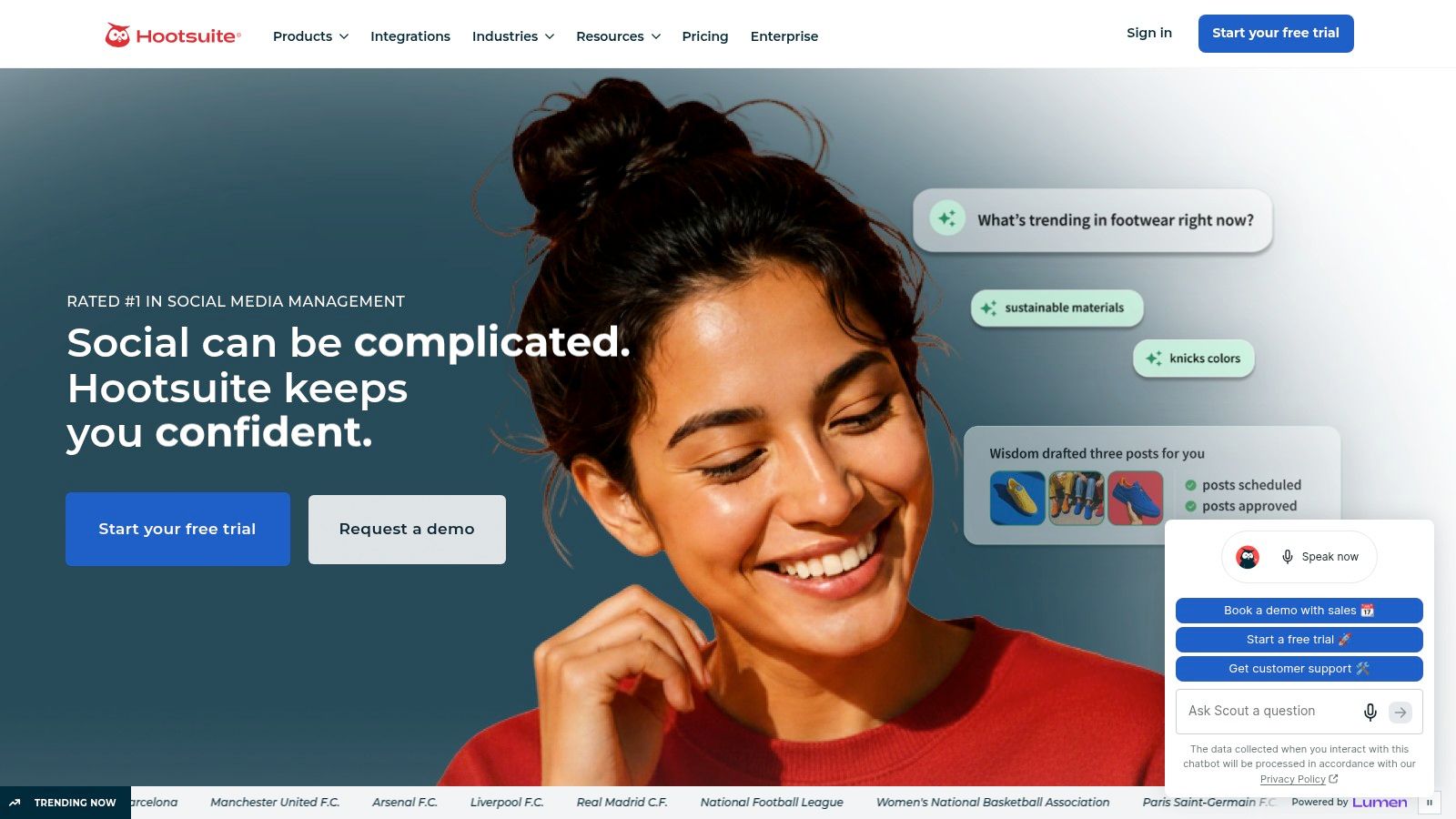
For teams that need a shared publishing and analytics workspace, Hootsuite can be more practical than adopting a separate reporting tool. If analytics is the only need, compare its reporting depth and seat costs with a dedicated platform.
5. Later Analytics
Later is built for teams that want planning and lightweight analytics in the same workspace. Its visual planning approach can help creators and small businesses organize Instagram content while reviewing performance across posts, Reels, and Stories, depending on plan. Link in Bio traffic and revenue views can add context to content results, although those indicators shouldn't be confused with complete cross-channel attribution.
Later's strength is workflow continuity. A team can plan content, publish, and review results without managing a separate analytics product. Its weakness is that dedicated analytics platforms may offer more reporting depth, while analytics availability and history can vary by tier. Check the plan details against the formats, reporting history, and number of users you need.
Make the planning view answer a measurement question
A calendar can help a team spot content patterns, but it doesn't establish why a post performed well. Compare similar formats and content goals over a consistent period, and note changes in posting cadence or campaign support before drawing conclusions.
The same caution applies when Instagram changes its metrics. Meta retired the Impressions metric in Graph API v22.0 on April 21, 2025, and replaced it with Views. That means historical comparisons may depend on metric definitions and how a tool collected data. A change in the dashboard doesn't necessarily mean audience behavior changed; audit the metric before changing the content plan (NapoleonCat's social media analytics overview).
Choose Later when a visual planner and basic performance review belong together, not when you need extensive competitive or attribution analysis.
6. Socialinsider
Socialinsider is oriented toward competitor benchmarking and presentation-ready reporting. Its feature set includes Instagram and cross-network analytics, competitor tracking, and scheduled reports, which can help agencies or brands compare their results with peers. The focus is useful when the question isn't only “How did our account do?” but “How does our performance compare with peers?”
The key word is defined. A benchmark is only as useful as its sample and methodology. Emplifi, for example, analyzed 77,038 Instagram profiles worldwide, including 11,515 U.S. profiles, and reported a worldwide median of 34 interactions per brand post using engagement per impression (Emplifi's benchmark announcement). That result isn't directly interchangeable with a reach-based or follower-based rate.
Inspect the comparison before presenting it
Socialinsider's reported follower and historical data availability can depend on the connection date and platform APIs. Before using a benchmark in a client presentation, inspect the population, date range, denominator, and whether the data represents owned accounts or public-profile estimates.
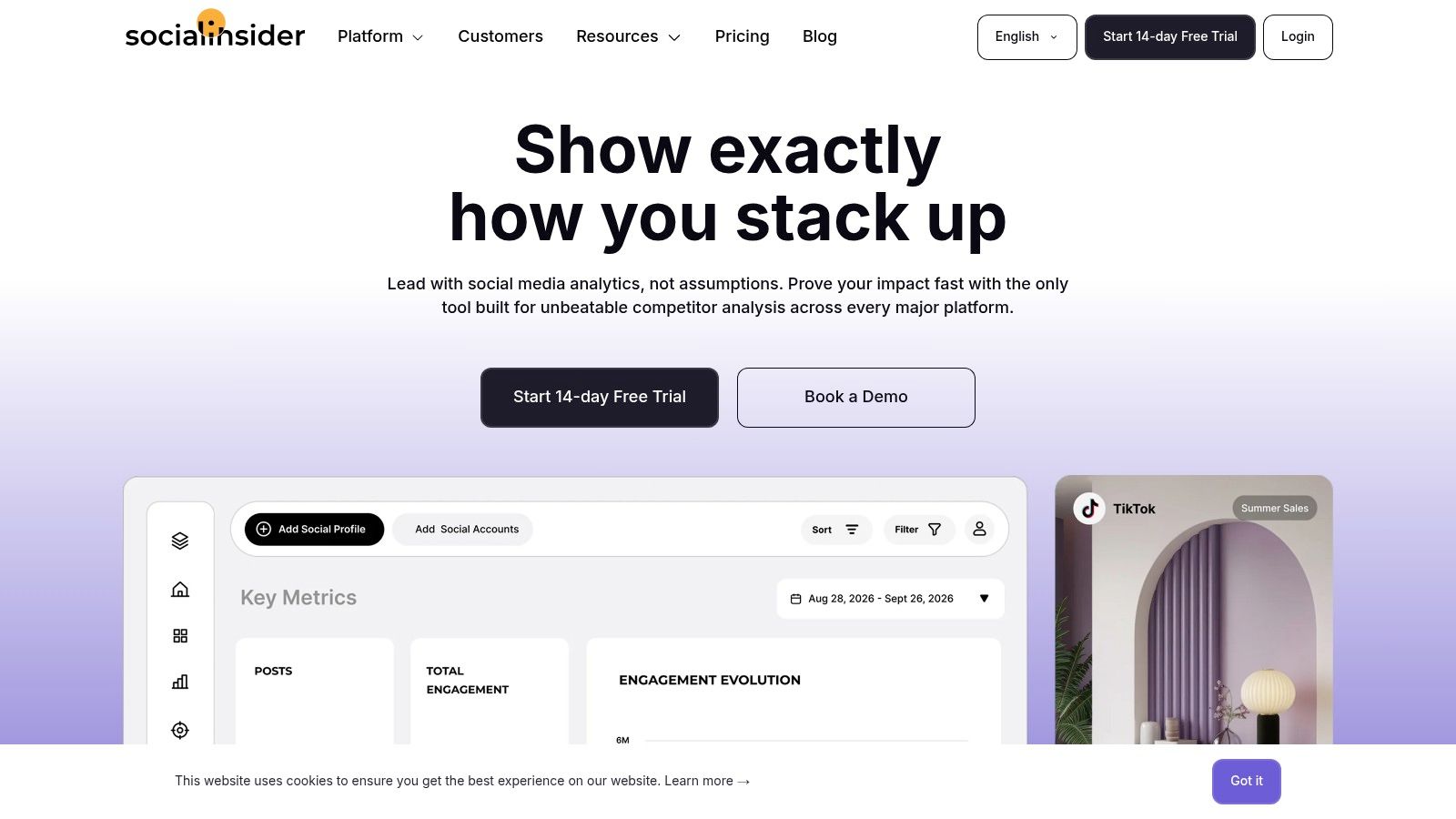
That provenance check helps avoid treating a small or unusual sample as a stable market norm. Socialinsider is best considered when competitive context is a recurring reporting need, not just a dashboard feature to browse occasionally.
7. Rival IQ
Rival IQ is a competitive-benchmarking specialist. It supports side-by-side benchmarking, comparisons of engagement rate and posting cadence, content-type analysis, alerts, and scheduled exports. Unlike a broader social management suite, its value is concentrated in understanding how your account and selected competitors behave relative to one another.
That focus can make it a strong choice for teams that need to identify changes in competitor activity or compare content patterns. But competitor data and owned-account data are not equal. Public-profile analysis can't provide the same account-level access as first-party Insights, while owned-profile history depends on when Instagram Insights was connected.
Use benchmarks to generate questions
A benchmark should prompt investigation, not dictate a target. If a competitor's apparent engagement is higher, check whether the formula, format mix, posting window, and available data match your own before changing strategy. A competitor comparison framework can also help teams separate comparable account signals from misleading surface differences.
Rival IQ is analytics-focused rather than a publishing suite, so it may need to sit alongside other tools for scheduling and community management. Its free public benchmark dashboards and exports can be useful for initial research, while deeper use depends on the plan and connected account history.
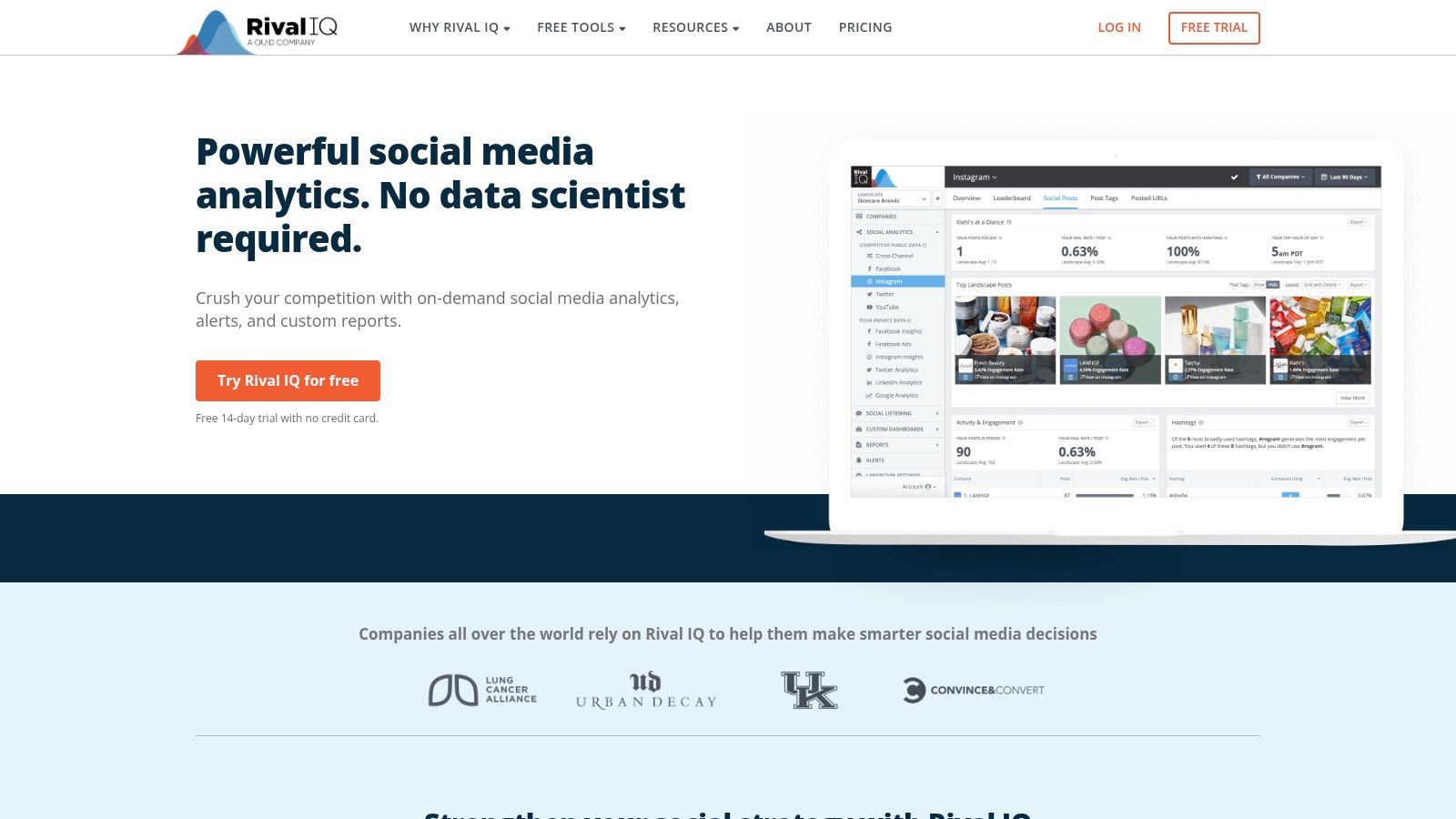
Explore Rival IQ's competitive analytics if competitor movement is a regular part of your reporting.
8. Not Just Analytics
Not Just Analytics, formerly known as Ninjalitics, offers a lighter Instagram-first option for creators and small brands that want quick account checks and basic competitor intelligence. Its appeal is a focused workflow: review profile performance, monitor trends, and make simple comparisons without adopting a full social management suite.
This kind of tool is useful for reconnaissance, but it shouldn't replace native reporting for decisions about your own account. Public-data estimates can support a broad view of visible profiles, while authorized account analytics can provide account-level measures unavailable to a public lookup. Keep the distinction visible in any report, especially when comparing your account against another profile.
Keep the question narrow
Use a lightweight dashboard to investigate a specific question, such as whether a profile's visible activity appears to be changing. Don't infer audience demographics, conversion performance, or private account results from public figures unless the tool explicitly provides reliable access to those fields.
For an engagement-rate calculation, document the formula and denominator before comparing profiles. This engagement rate calculator walkthrough can help clarify what a rate represents, but the result still depends on the data available and the method used.
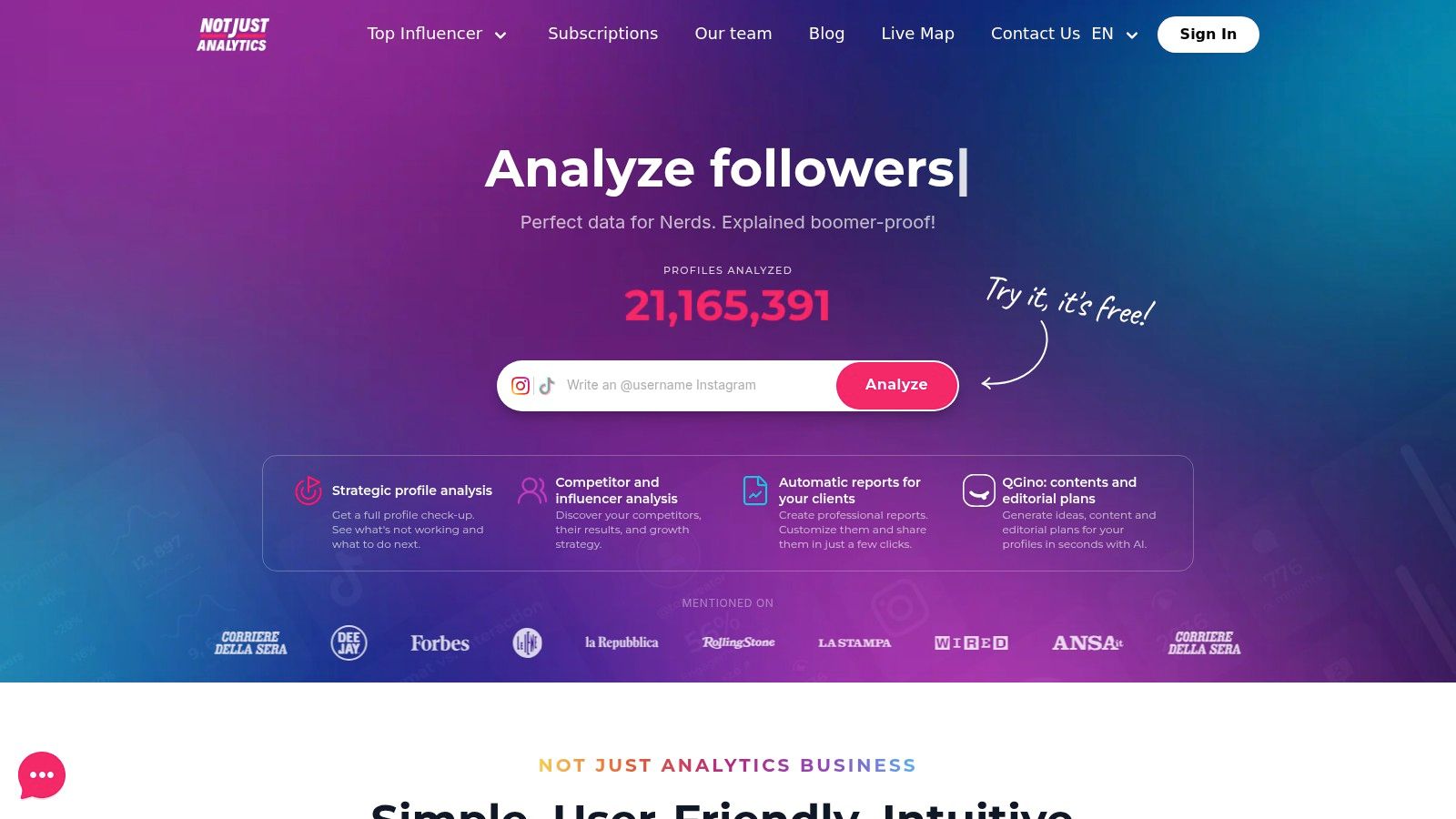
For solo users who don't need cross-network reporting, Not Just Analytics may be a simpler fit than an enterprise platform. Its limits matter when you need deeper analysis, recurring client reports, or broader channel coverage.
9. Minter.io
Minter.io is an analytics-focused option for teams that need more than native Insights but don't need a full publishing and inbox suite. Its stated capabilities include Instagram account and hashtag analytics, mentions tracking, and exportable branded reports, alongside analytics for other networks. That combination makes it relevant to consultants and smaller teams that need to package results for clients.
Its main advantage is concentrated reporting. A branded export can make an account review easier to share, while hashtag and mentions reporting can support campaign monitoring. But the absence of publishing or inbox features means it won't replace a social management platform. History, backfill, and entity limits can also vary by plan, so test the data you need before subscribing.
Treat the report as a measurement artifact
A useful export should show the metric definition, period, and account source. If the report gives a rate without stating whether it's based on followers, reach, or impressions, don't use it as a benchmark until you confirm the formula. Emplifi's engagement-per-impression approach, for instance, is a reminder that benchmark numbers need their denominator alongside them.
Minter.io offers a free trial with feature sampling, subject to history limits. Use that window to check whether the report matches your native account data and whether the available history supports the comparisons you plan to make.
Visit Minter.io if Instagram-specific reporting and exports matter more than publishing workflows.
10. Analisa.io
Analisa.io is suited to lightweight research on public Instagram and TikTok profiles and hashtags. Its public-data orientation can support quick competitor checks, campaign screening, and simple exports without requiring a broader social management suite. Paid plans add watchlists and alerts, while higher tiers include API access.
The distinction is important: public-profile analytics are not a substitute for connected, first-party account reporting. A public lookup may help you observe visible activity or compare profiles at a high level, but it can't be assumed to expose the same history, audience fields, or performance metrics as authorized account access. Refresh frequency and depth may also be less suitable for enterprise reporting.
Use public research to shortlist, not certify
Analisa.io can help narrow a research question, such as which public profiles or hashtags deserve a closer look. Before using any result to prioritize outreach or judge a campaign, confirm the metric's definition and data freshness. A public estimate is a screening signal, not proof of business impact.
Teams researching public business audiences may use a separate Instagram social media lead generation workflow to turn publicly listed contact information into structured files. That work should remain distinct from performance measurement and follow applicable privacy, platform, and communications rules.
Explore Analisa.io for ad hoc public-profile and hashtag research, rather than as a replacement for an owned-account analytics dashboard.
Top 10 Instagram Analytics Tools Compared
These tools do not all measure the same thing. Instagram Insights and Meta Business Suite report on connected accounts, while competitor and public-profile tools rely on publicly available information or estimates. Compare each product against the job it serves, and check metric definitions before treating results as equivalent.
| Tool | Core capability | Quality / experience | Best for | Unique strength | Pricing / value |
|---|---|---|---|---|---|
| Instagram Insights + Meta Business Suite | First-party account, audience, and content analytics | Native data; basic reporting | Creators and small teams | Free insights with desktop reporting | Free for professional accounts |
| Iconosquare | Instagram analytics, competitor tracking, and reporting | Detailed Instagram-focused reports | Brands and agencies | Benchmarks, tags, and shareable reports | Tiered plans; regional pricing varies |
| Sprout Social | Instagram and cross-channel analytics | Executive-ready reports across platforms | Enterprise and multi-brand teams | Scheduled exports and advanced analytics add-ons | Premium, per-user pricing; add-ons cost extra |
| Hootsuite Analytics | Instagram metrics alongside publishing and engagement | Unified social dashboard | Teams already using Hootsuite | Analytics within publishing workflows | Tiered; seats and advanced features can raise costs |
| Later Analytics | Instagram content analytics and planning | Visual reporting and straightforward workflows | Creators and small businesses | Planning, analytics, and Link in Bio insights | Plan-dependent; free trial available |
| Socialinsider | Performance analytics and competitor benchmarks | Clear dashboards and exportable reports | Agencies and brands | Competitive comparisons across networks | Tiered; varies by plan and connected profiles |
| Rival IQ | Competitor and market benchmarking | Detailed comparisons and automated insights | Teams focused on competitor analysis | Alerts, public benchmarks, and scheduled exports | Tiered plans; free trial and annual discounts |
| Not Just Analytics | Instagram profile tracking and basic competitor checks | Simple, quick account checks | Creators and solo users | Instagram-focused setup | Tiered subscriptions; lower-cost entry options |
| Minter.io | Instagram, hashtag, and mention analytics | Exportable branded reports | Small businesses and consultants | Hashtag analytics alongside branded reporting | Tiered plans; free trial available |
| Analisa.io | Public Instagram and TikTok profile and hashtag research | Useful for lightweight research | Marketers and campaign researchers | Watchlists, alerts, and API access on higher tiers | Free tier; paid plans, including Pro |
HarvestMyData is a separate audience-data service, not an analytics tool. It can complement analytics work by extracting publicly available Instagram contact information to CSV or Excel, but those files do not measure account performance. Check applicable privacy, platform, and communications rules before using collected data.
Choose the Tool That Matches Your Reporting Decision
The most useful Instagram analytics tool is the one that answers your recurring question with data you can validate. Use Instagram Insights or Meta Business Suite for inexpensive first-party account reporting. Choose Later when planning and lighter analytics should live together, and consider Iconosquare, Minter.io, or Not Just Analytics when you want stronger Instagram-focused reporting without committing to a broad management suite.
For competitive benchmarks, Rival IQ and Socialinsider are more aligned with the job. Their comparisons can help explain how selected peers perform, but only when you check the population, denominator, metric definitions, and date range. Keep public-profile estimates separate from owned-account data. A dashboard that combines them without clear labels can make an apparent comparison look more precise than the underlying data supports.
Sprout Social or Hootsuite may be a better fit when social management and cross-channel reporting justify the added complexity. Neither should be treated as automatic proof of revenue impact. To assess Instagram's contribution to leads or purchases, use campaign tags, landing-page events, CRM stages, and a clearly defined attribution window. Otherwise, a reported conversion may show a tracked interaction without capturing the full customer journey.
Before committing to a tool, connect one owned account, test the historical window that matters, export a real report, and compare important metrics with the native dashboard. Check whether the tool clearly identifies the source, period, denominator, and account type. If a metric changes over time, verify that the definition and data collection method stayed consistent before changing budgets or outreach priorities.
For teams that also need to research public Instagram business audiences, HarvestMyData can serve as a separate data-extraction layer, with structured CSV or Excel delivery. It doesn't measure content performance, and any use of collected public information should follow applicable privacy, platform, and communications rules. For a related perspective on tool selection, see SourceLoop's tool picks.
HarvestMyData extracts publicly listed contact information from Instagram audiences and delivers structured CSV or Excel files for sales, marketing, and research workflows. Keep that audience-data process separate from analytics, then visit HarvestMyData to explore whether it fits your prospecting needs.
We built HarvestMyData to handle all of this for you.
No proxies, no code, no account needed.